9-2
Paper Feeder
Installing the Optional Accessories
9
Paper Feeder
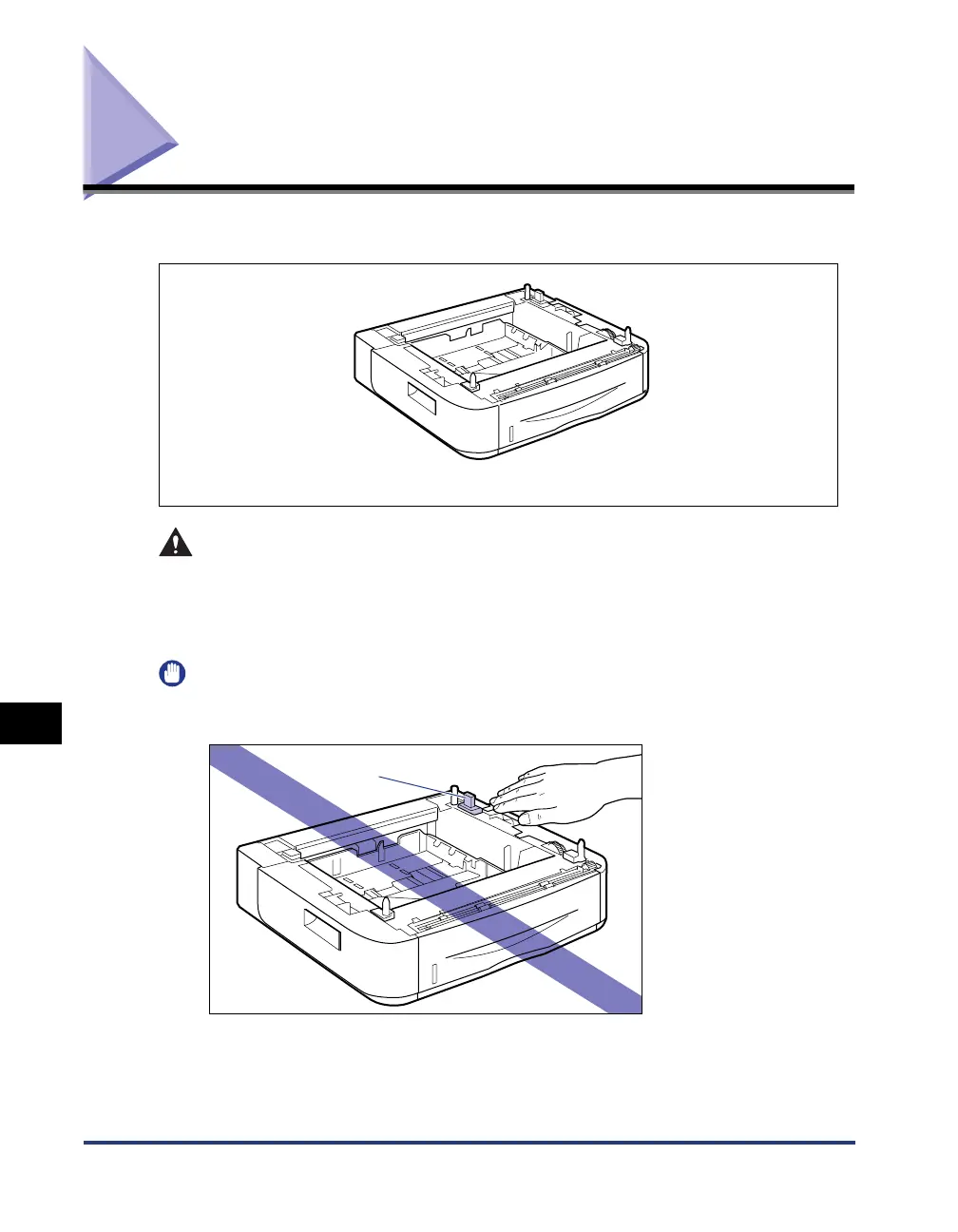
The paper feeder is to be installed at the bottom of the printer.
WARNING
Be sure to turn the printer OFF, unplug the power plug, and then disconnect all
the interface cables and power cord from the printer before installing the paper
feeder. Otherwise, the power cord or interface cables may be damaged,
resulting in a fire or electrical shock.
IMPORTANT
•
Do not touch the connector (A) in the paper feeder. This may result in damage to the
printer or misfeeds.
•
If you are printing from Cassette 2, make sure that Cassette 1 is set before printing. If you
print from Cassette 2 when Cassette 1 is not set, this will cause paper jams.
PAPER FEEDER PF-35P
(A)



 To Next Page