4-53
Setting Up the Printing Environment
4
Printing from a Network Computer by Sharing the Printer on a Network
16
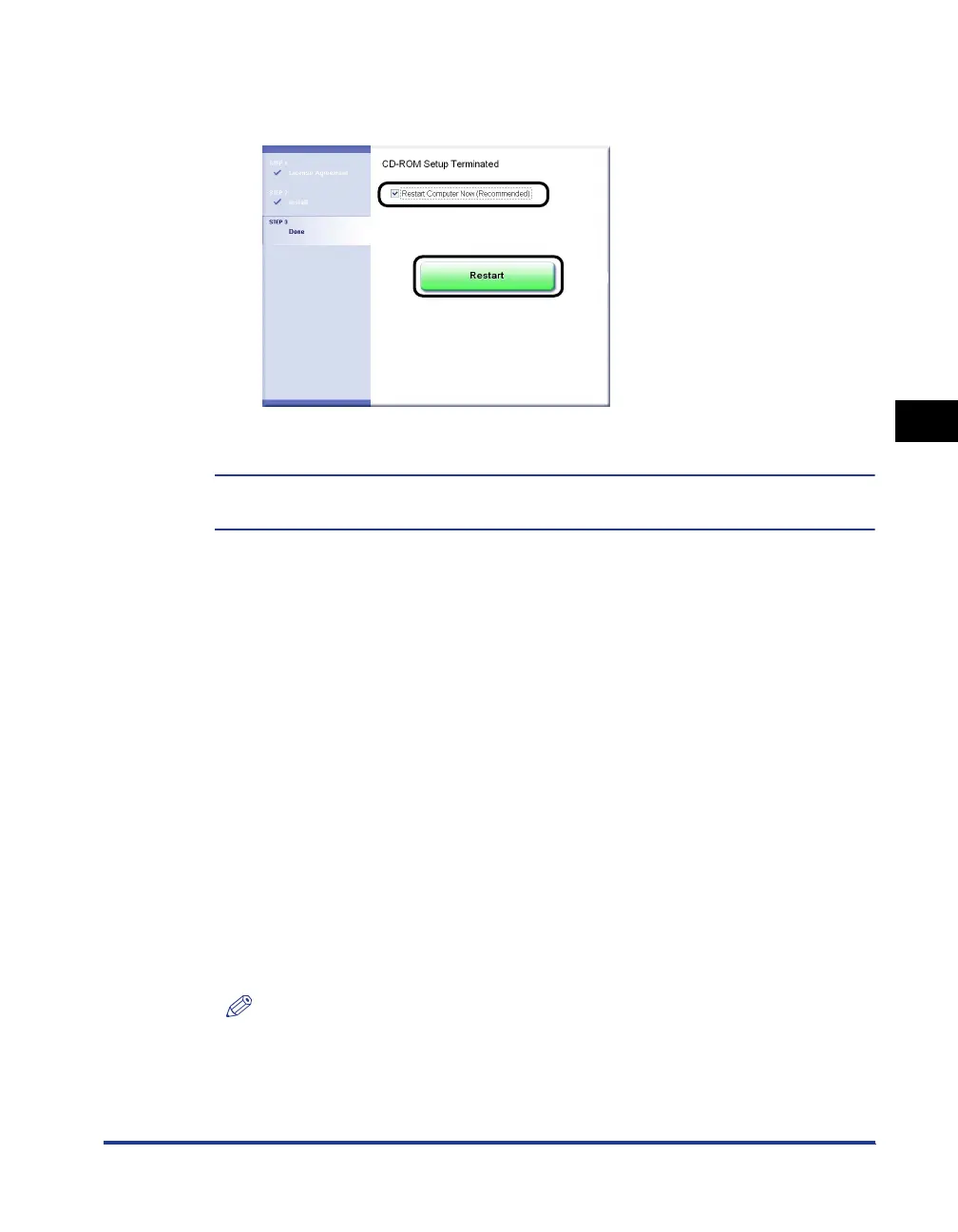
Select the [Restart Computer Now (Recommended)] check
box
aa
aa
, then click [Restart]
bb
bb
.
Windows restarts.
The installation of the printer driver is completed.
You can take the CD-ROM out of the CD-ROM drive after the installation is completed.
Installing from the [Printers and Faxes] Folder or the [Printers]
Folder
The procedure for installing the printer driver from the [Printers and Faxes] folder or
the [Printers] folder varies depending on your operating system. See the following
according to your operating system.
•
For Windows Vista (See p. 4-53)
•
For Windows XP/Server 2003 (See p. 4-59)
•
For Windows 2000 (See p. 4-62)
■
For Windows Vista
1
Turn the computer on and start up Windows Vista.
2
Log on to Windows Vista.
NOTE
A user without administrator rights can also install the printer driver.
If you log on as a user without administrator rights, however, you need the
password for a user with administrator rights during the installation.
a
b



 To Next Page