4-62
Setting Up the Printing Environment
Printing from a Network Computer by Sharing the Printer on a Network
4
9
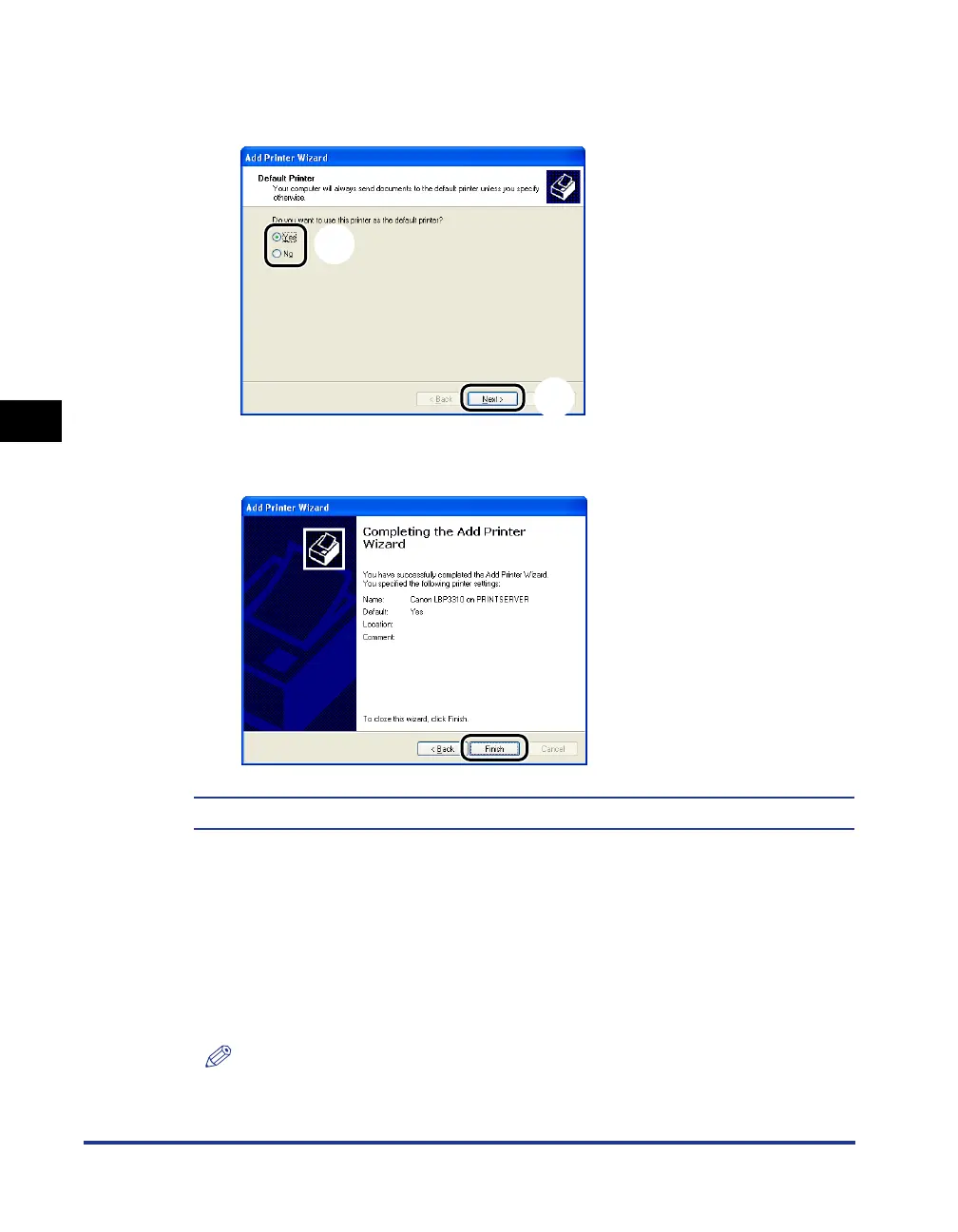
If the following screen appears, select whether or not to use
this printer as the default printer
a
, and then click [Next]
b
.
10
Click [Finish].
The installation of the printer driver is completed.
■
For Windows 2000
1
Turn the computer on and start up Windows 2000.
2
Log on to Windows 2000.
NOTE
A user without administrator rights can also install the printer driver.
a
b



 To Next Page