2-33
Installing the Printer
2
Turning the Printer ON/OFF
Turning the Printer ON/OFF
Turning the Printer ON
IMPORTANT
•
Do not turn the printer ON immediately after turning it OFF. If you want to cycle the power
of the printer, wait at least 10 seconds before turning it ON again.
•
If the printer does not operate properly, or an error message appears in the Printer Status
Window, see "Troubleshooting," on p. 8-1.
•
Be sure to set the paper cassette in the printer before you turn the power ON for the first
time following the printer installation.
•
Although a sheet of blank paper is output when you turn the power ON for the first time
following the printer installation, this is not an error.
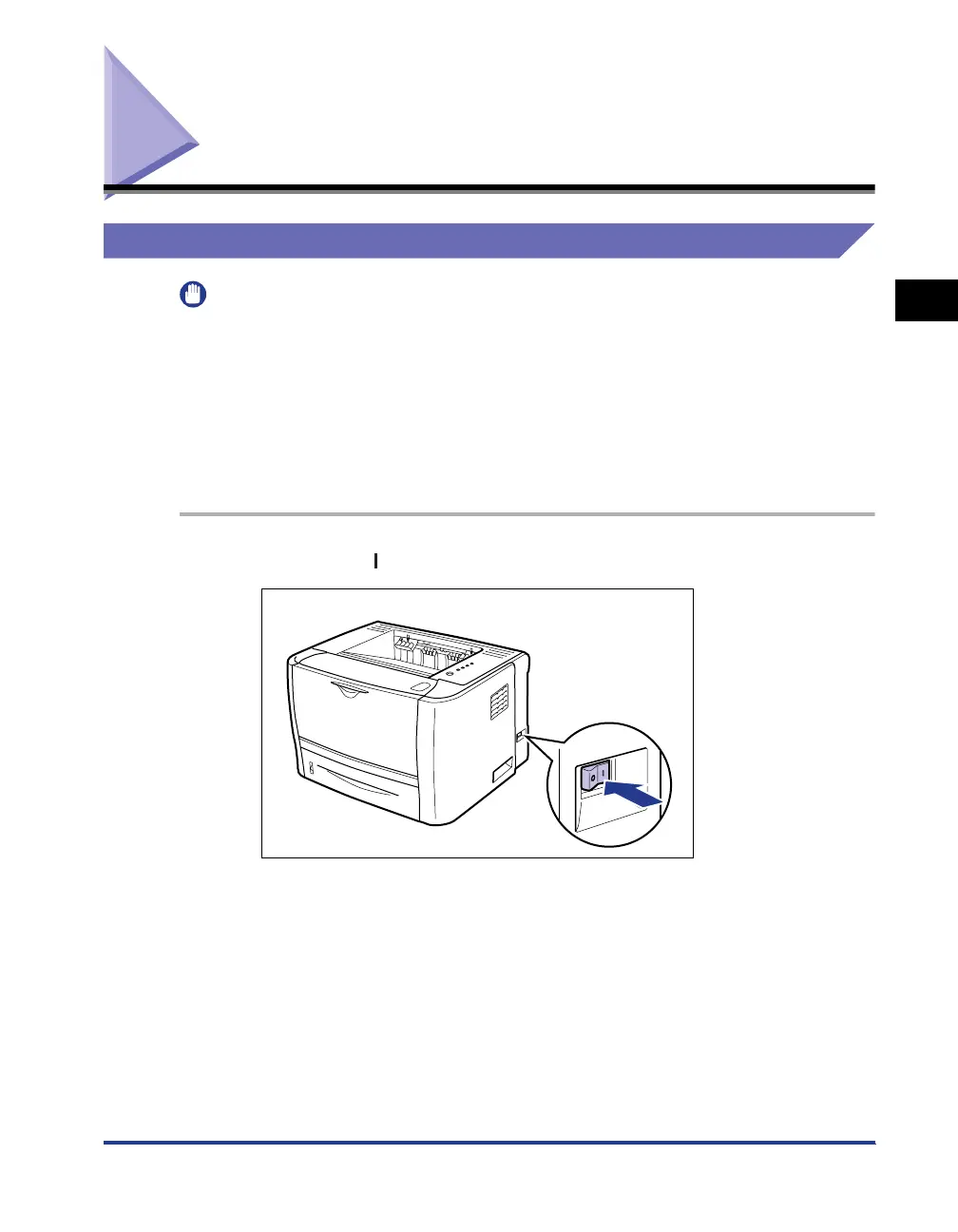
1
Press the " " side of the power switch on the printer.
All the indicators on the printer blink, and the printer initiates a self-diagnostic test
on the printer unit and optional accessories.



 To Next Page