3-14
Output Tray
Paper Loading and Output Tray
3
•
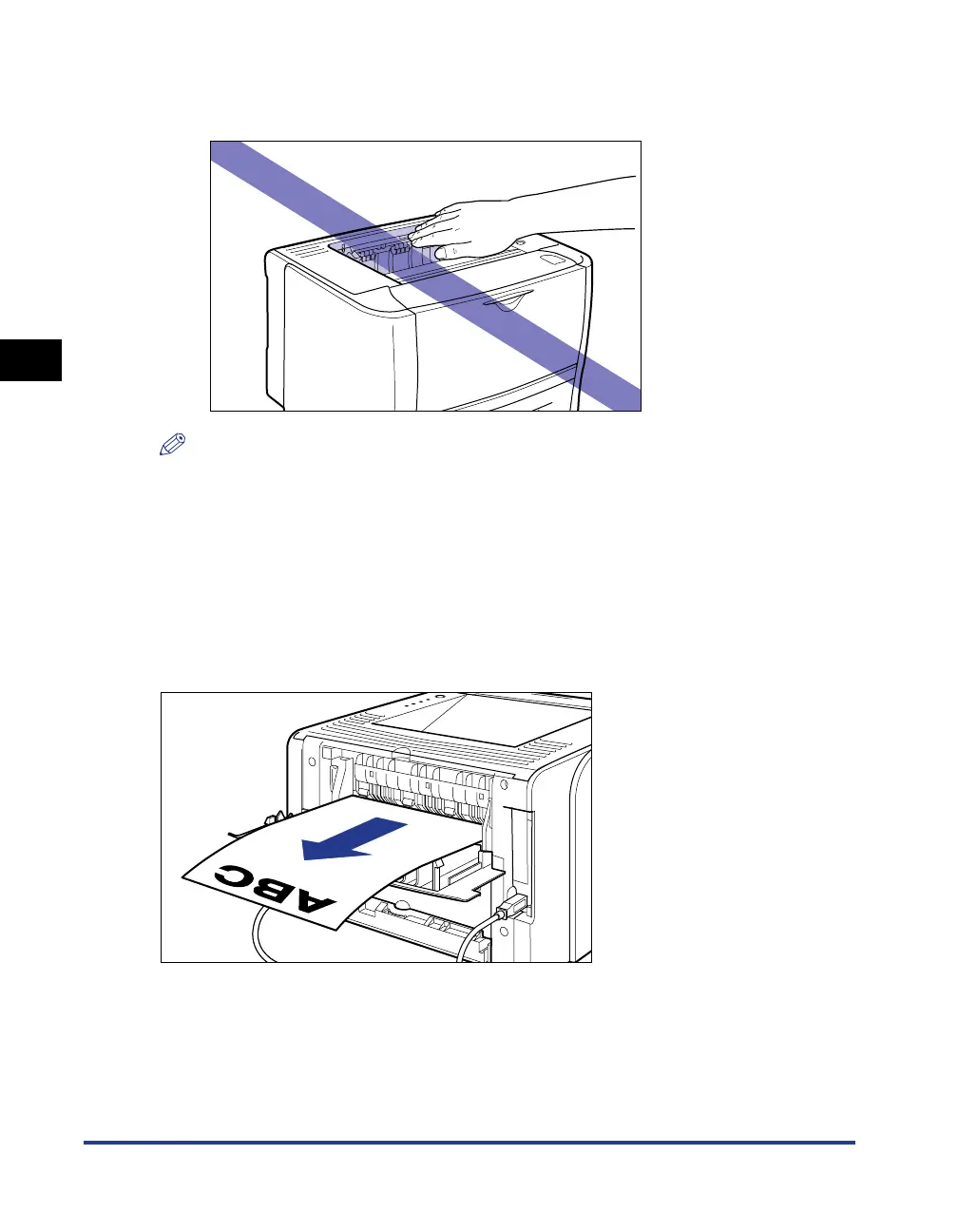
The face-down output tray and its surroundings become hot during or immediately after
using the printer. Do not touch the face-down output tray and its surroundings when
removing the jammed paper or performing the related operation.
NOTE
The face-down output tray can hold up to approximately 125 sheets of plain paper (64 g/
m
2
). The paper capacity varies depending on the paper size or paper type. For more
details, see "Paper Capacity of the Output Tray," on p. 3-15.
Face-up Output Slot
Printed paper is output to the face-up output slot on the rear side of the printer with
the printed side facing up.
The face-up output slot is suitable to print transparencies, labels, Index Card, or
envelopes which tend to curl, since the printed paper is output flattened.



 To Next Page