4-31
Setting Up the Printing Environment
4
After Completing Installation
For Windows 2000
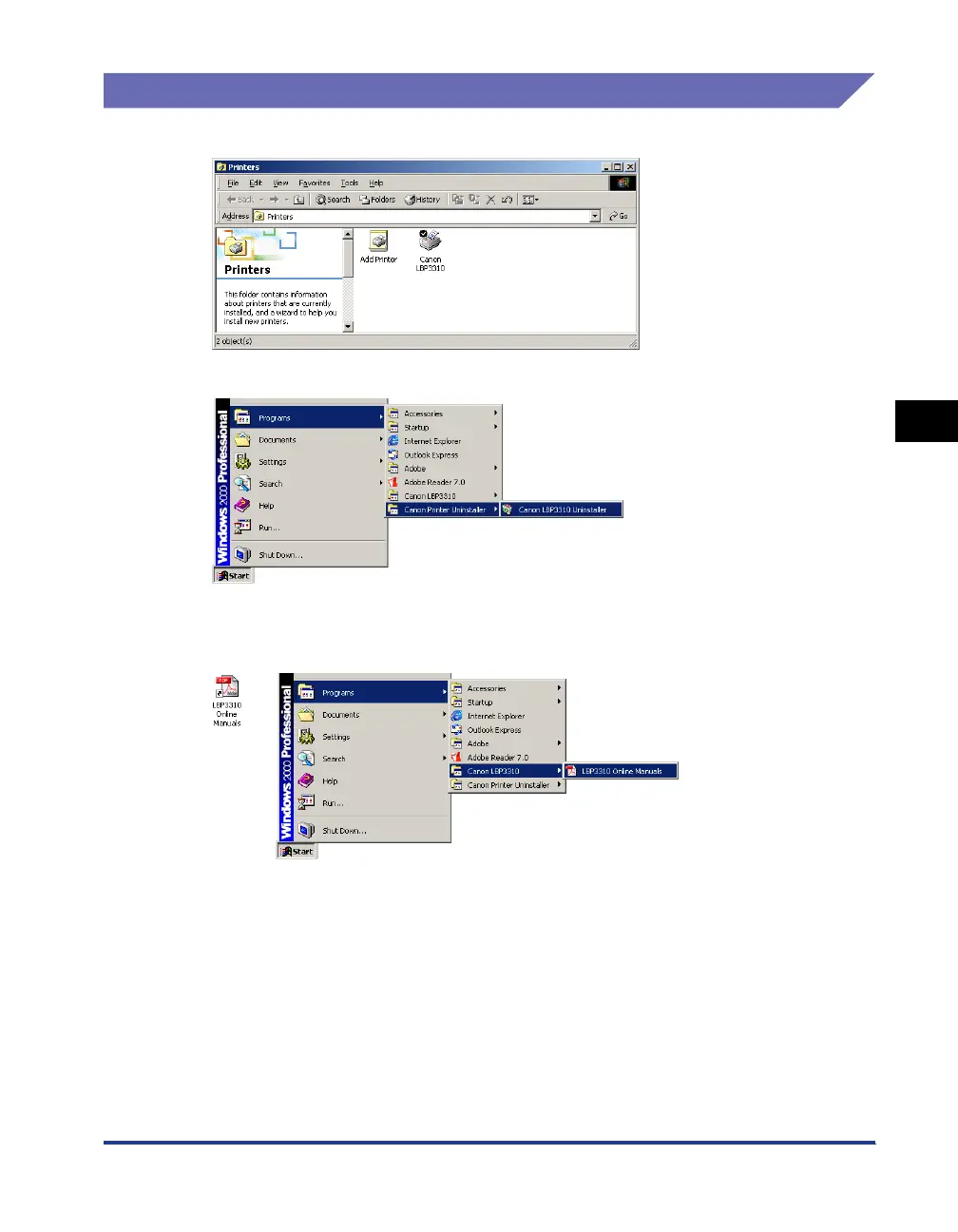
• The icon for the printer is displayed in the [Printers] folder.
• [Canon Printer Uninstaller] is added to [Programs] under the [Start] menu.
• If the manuals are installed, [LBP3310 Online Manuals] is created on the desktop, and
[LBP3310 Online Manuals] under [Canon LBP3310] is added to [Programs] under the
[Start] menu.



 To Next Page