4-59
Setting Up the Printing Environment
4
Printing from a Network Computer by Sharing the Printer on a Network
■
For Windows XP/Server 2003
1
Turn the computer on and start up Windows XP/Server 2003.
2
Log on to Windows XP/Server 2003.
NOTE
A user without administrator rights can also install the printer driver.
3
Display the [Printers and Faxes] folder.
From the [Start] menu, select [Printers and Faxes].
From the [Start] menu, select [Control Panel], and then click [Printers and Other Hardware]
➞
[Printers and Faxes].
4
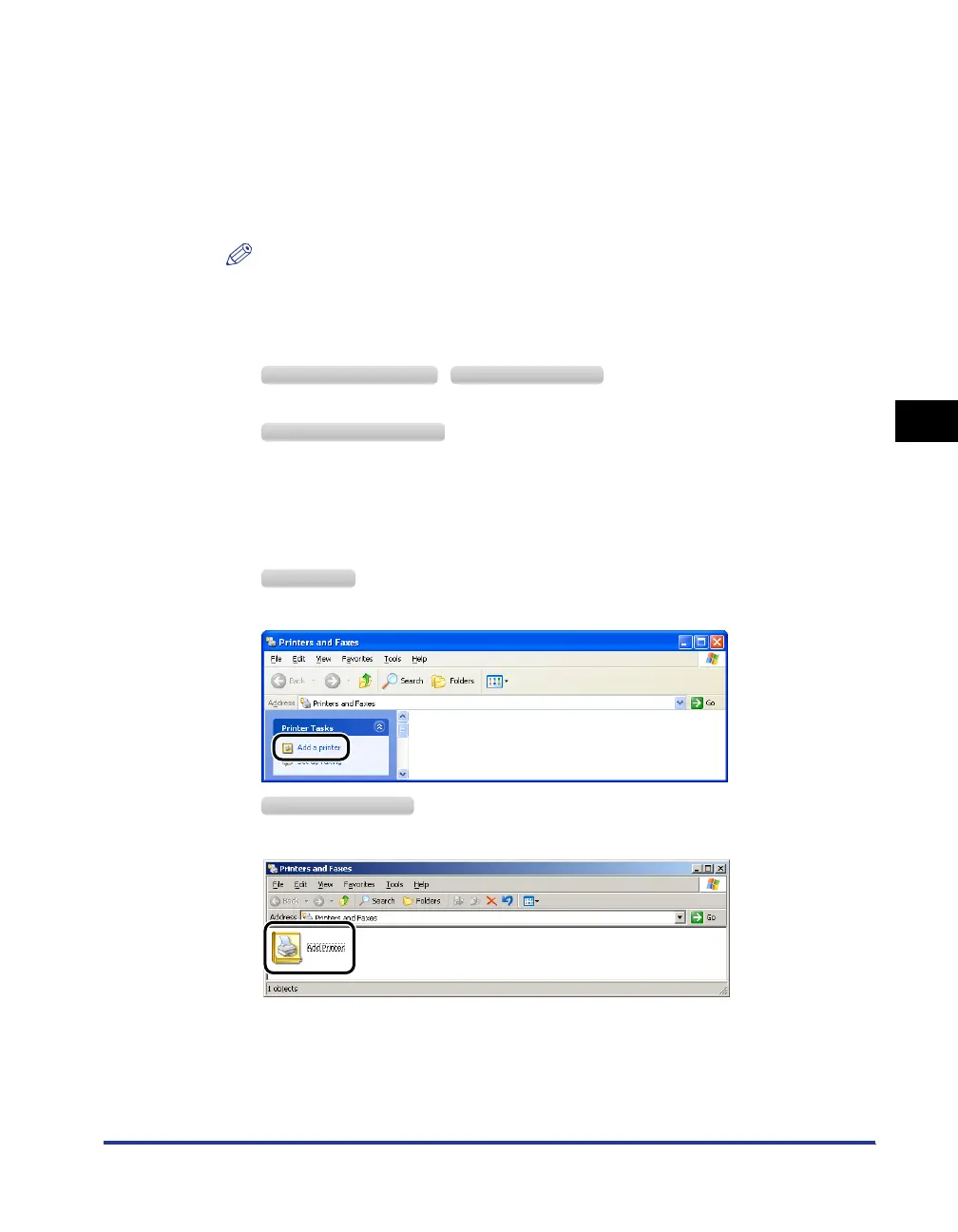
Display [Add Printer Wizard].
Click [Add a printer].
Double-click [Add Printer].
Windows XP Professional Windows Server 2003
Windows XP Home Edition
Windows XP
Windows Server 2003



 To Next Page