4-54
Setting Up the Printing Environment
Printing from a Network Computer by Sharing the Printer on a Network
4
3
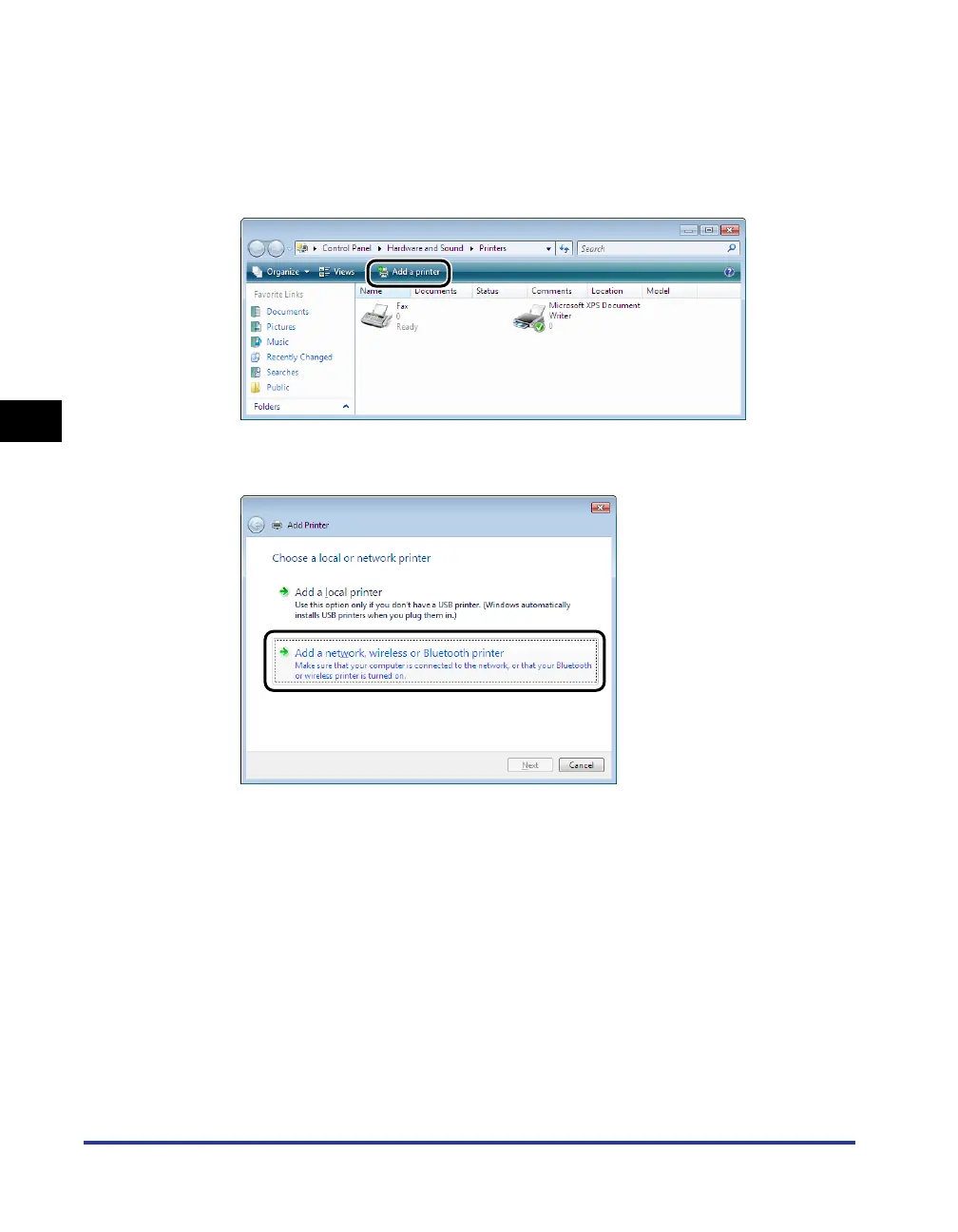
Display the [Printers] folder.
From the [Start] menu, select [Control Panel], and then click [Printer].
4
Click [Add a printer].
5
Click [Add a network, wireless or Bluetooth printer].
Searching for the printer on the network starts automatically.



 To Next Page