5-19
Basic Usage of the Printer
5
2-sided Printing
NOTE
Specify the setting according to the paper type as follows.
*
1
If paper curls excessively when printed with [Plain Paper] selected, select [Plain Paper L].
*
2
If printing Index Card, the printer automatically applies the appropriate print mode to Index Card by
specifying [Output Size] in the [Page Setup] sheet.
8
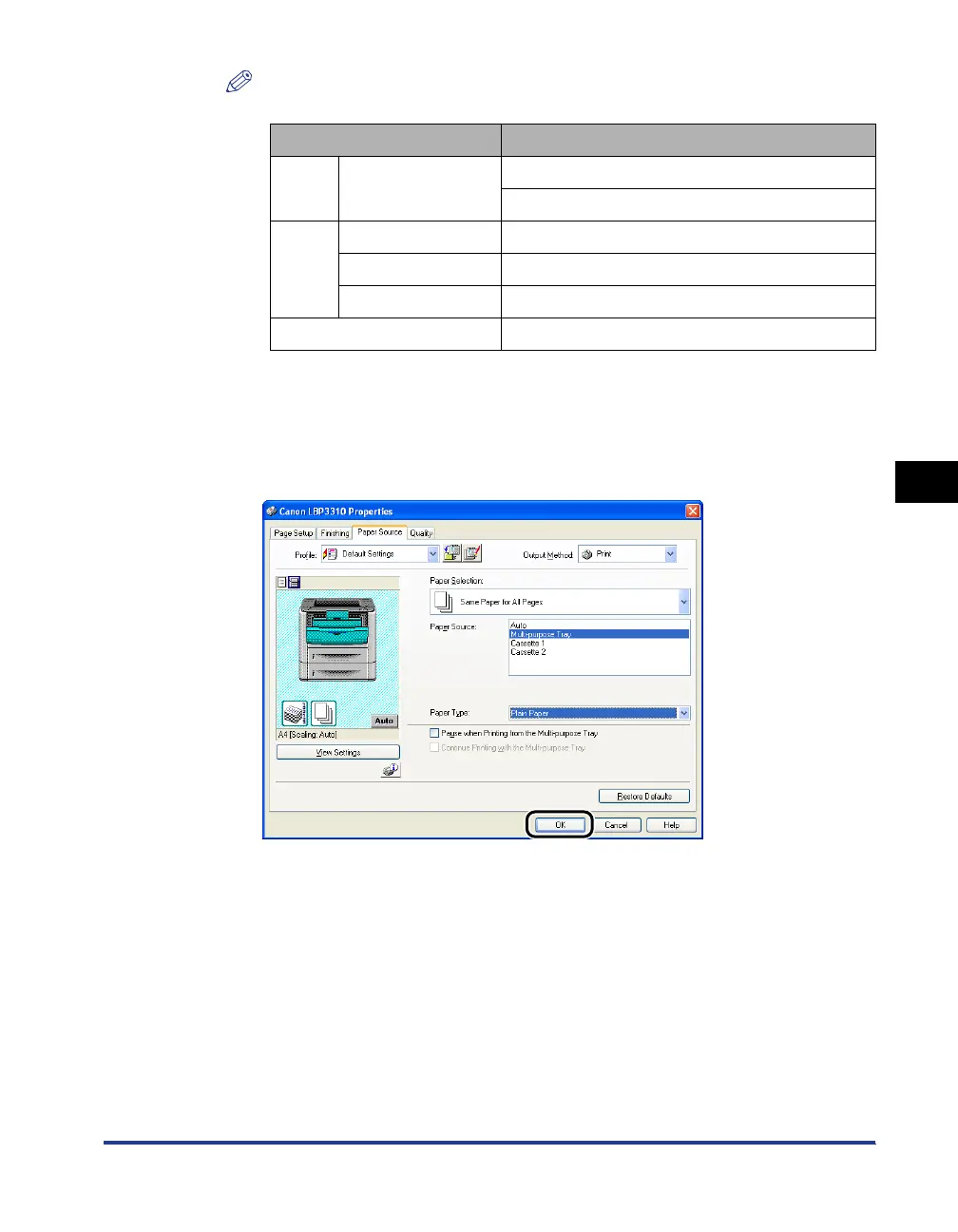
Confirm the settings, then click [OK].
The [Print] dialog box reappears.
9
Click [OK] or [Print].
The printer starts printing.
Paper Type Setting for [Paper Type] in the Printer Driver
Plain
Paper
60 - 89 g/m
2
[Plain Paper L]*
1
[Plain Paper]
Heavy
Paper
90 - 120 g/m
2
[Heavy Paper 1]
121 - 149 g/m
2
[Heavy Paper 2]
150 - 163 g/m2 [Heavy Paper 3]
Index Card *
2



 To Next Page