9-20
Installing the Optional Accessories
9
Network Board
3
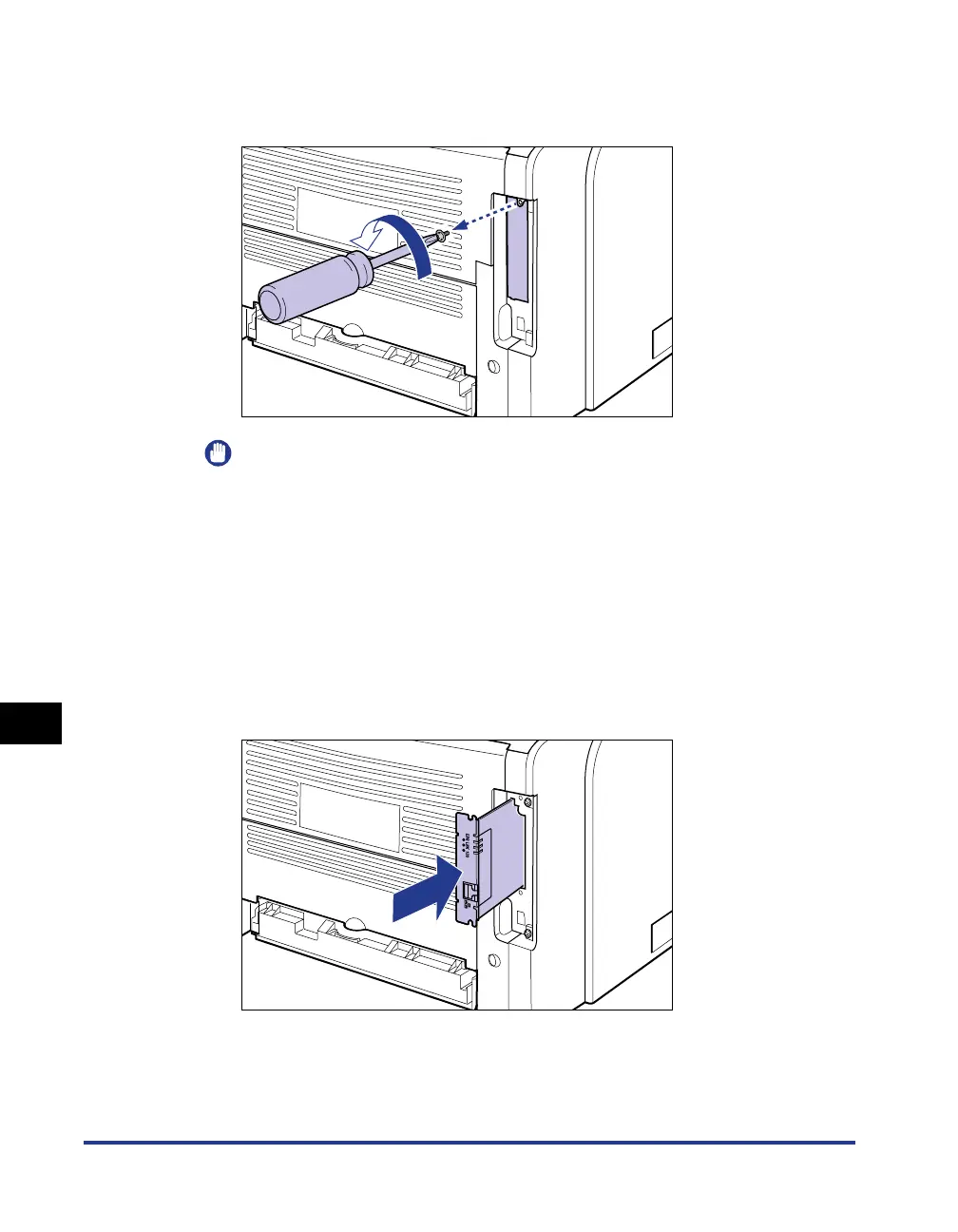
Remove the screws and remove the protective plate for the
expansion slot.
IMPORTANT
•
Do not drop screws, paper clips, staples, or other metal objects inside the printer. If
any of these objects should drop inside the printer, do not plug the power plug into
the AC power outlet and contact your local authorized Canon dealer.
•
Be sure not to misplace the removed protective plate and screws. You will need
them after you remove the network board.
4
Insert the network board into the expansion slot in the
orientation shown in the figure.
Hold the metal panel portions of the network board and insert the board straight
while aligning it with the guide rails inside the expansion slot.



 To Next Page