4-14
Setting Up the Printing Environment
Installing the Printer Driver
4
7
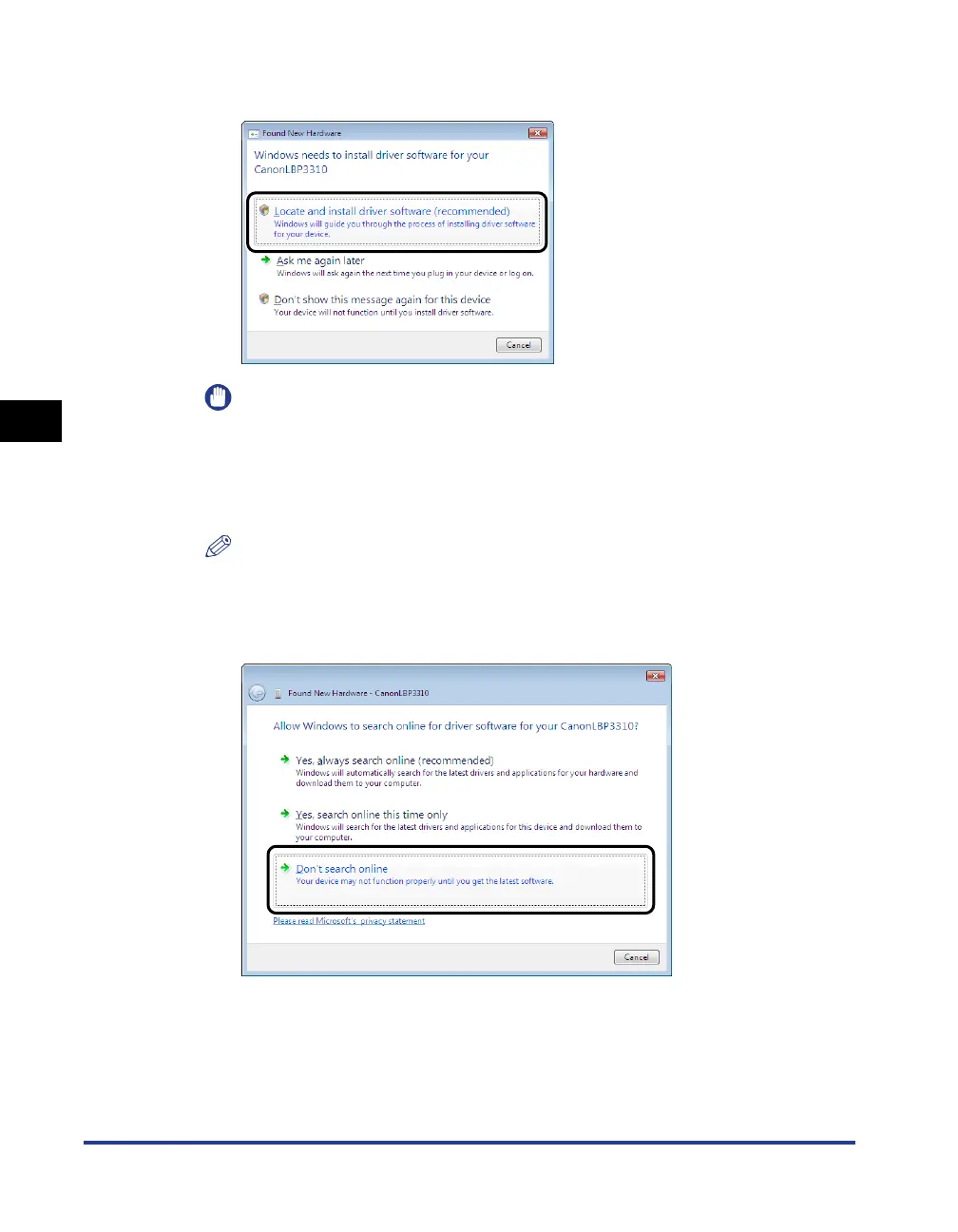
Click [Locate and install driver software (recommended)].
IMPORTANT
The printer driver is automatically installed on a computer on which the printer
driver for this printer has been installed before, without the above screen being
displayed.
If you want to update the printer driver (or want to install it manually), see "Installing
from CD-ROM" (p. 4-5) and install the printer driver.
NOTE
If the [User Account Control] dialog box appears, click [Continue].
8
If the following screen appears, click [Don't search online].


 To Next Page
 Loading...










