4-33
Setting Up the Printing Environment
4
Checking the Operations by Configuration Page Print
3
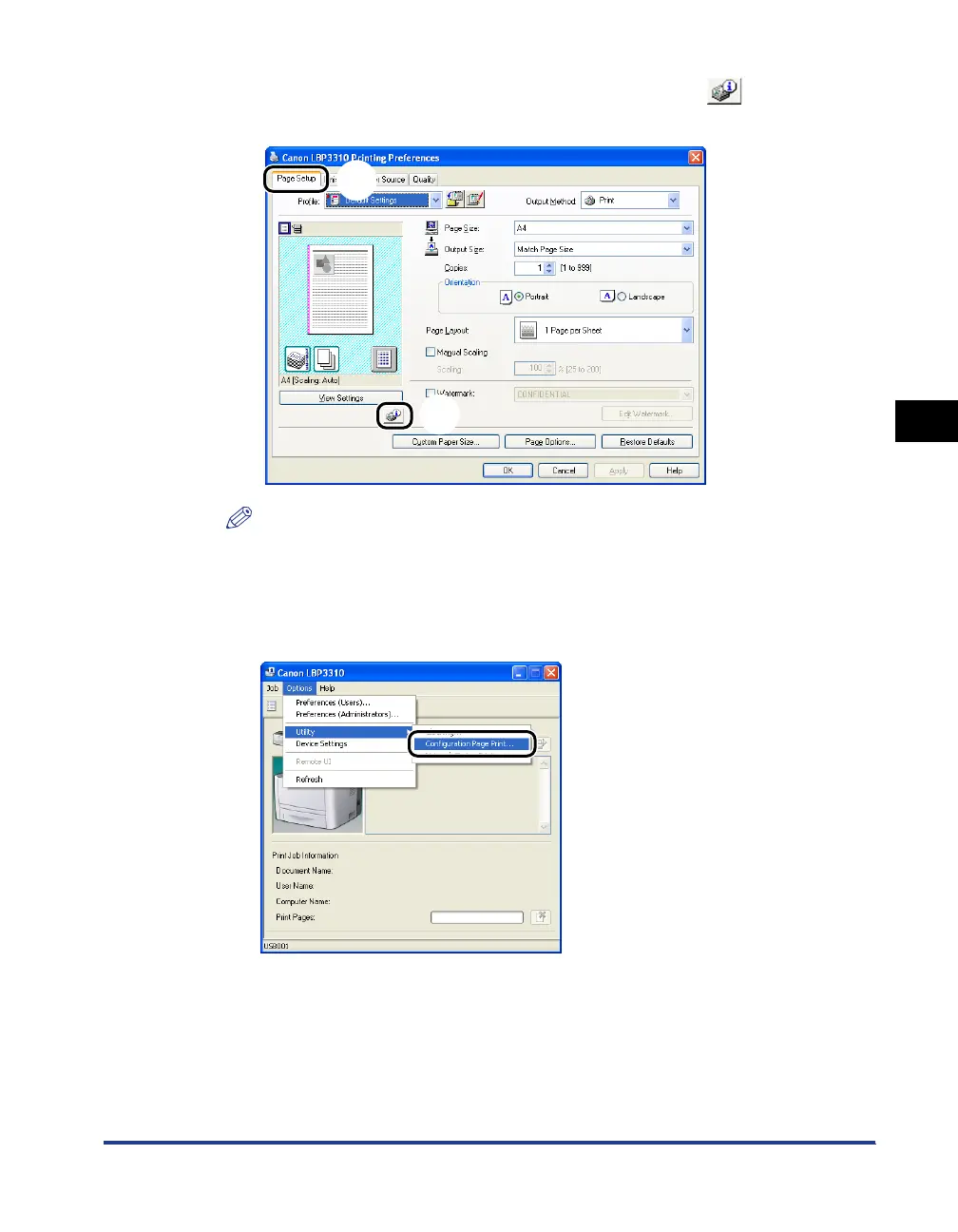
Display the [Page Setup] sheet aa
aa
, then click [ ] (Display
Printer Status Window)
bb
bb
.
NOTE
For details on the Printer Status Window, see "Printer Status Window," on p. 5-34.
4
From the [Options] menu, select [Utility] ➞ [Configuration
Page Print].
a
b



 To Next Page