4-41
Setting Up the Printing Environment
4
Printing from a Network Computer by Sharing the Printer on a Network
4
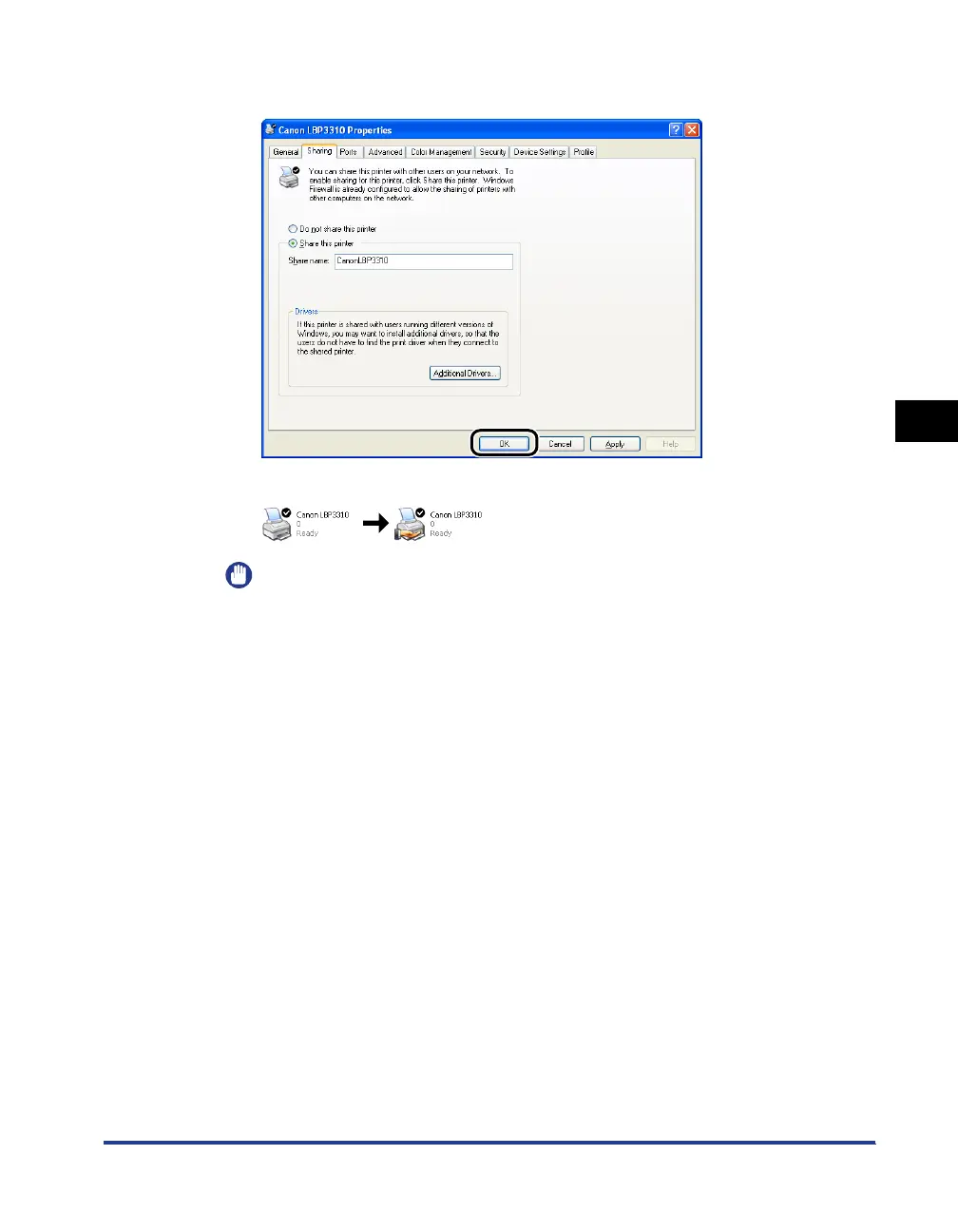
Click [OK].
The printer icon changes to the shared printer icon.
IMPORTANT
To clear the printer sharing settings, use the following procedures.
-For an operating system other than Windows Vista: Select [Do not share this
printer] ([Not shared] for Windows 2000) in the [Sharing] sheet.
-For Windows Vista: Clear the [Share this printer] check box in the [Sharing] sheet.
(If [Change sharing options] appears, click [Change sharing options] to display
the [User Account Control] dialog box, and then click [Continue].)



 To Next Page