4-48
Setting Up the Printing Environment
Printing from a Network Computer by Sharing the Printer on a Network
4
4
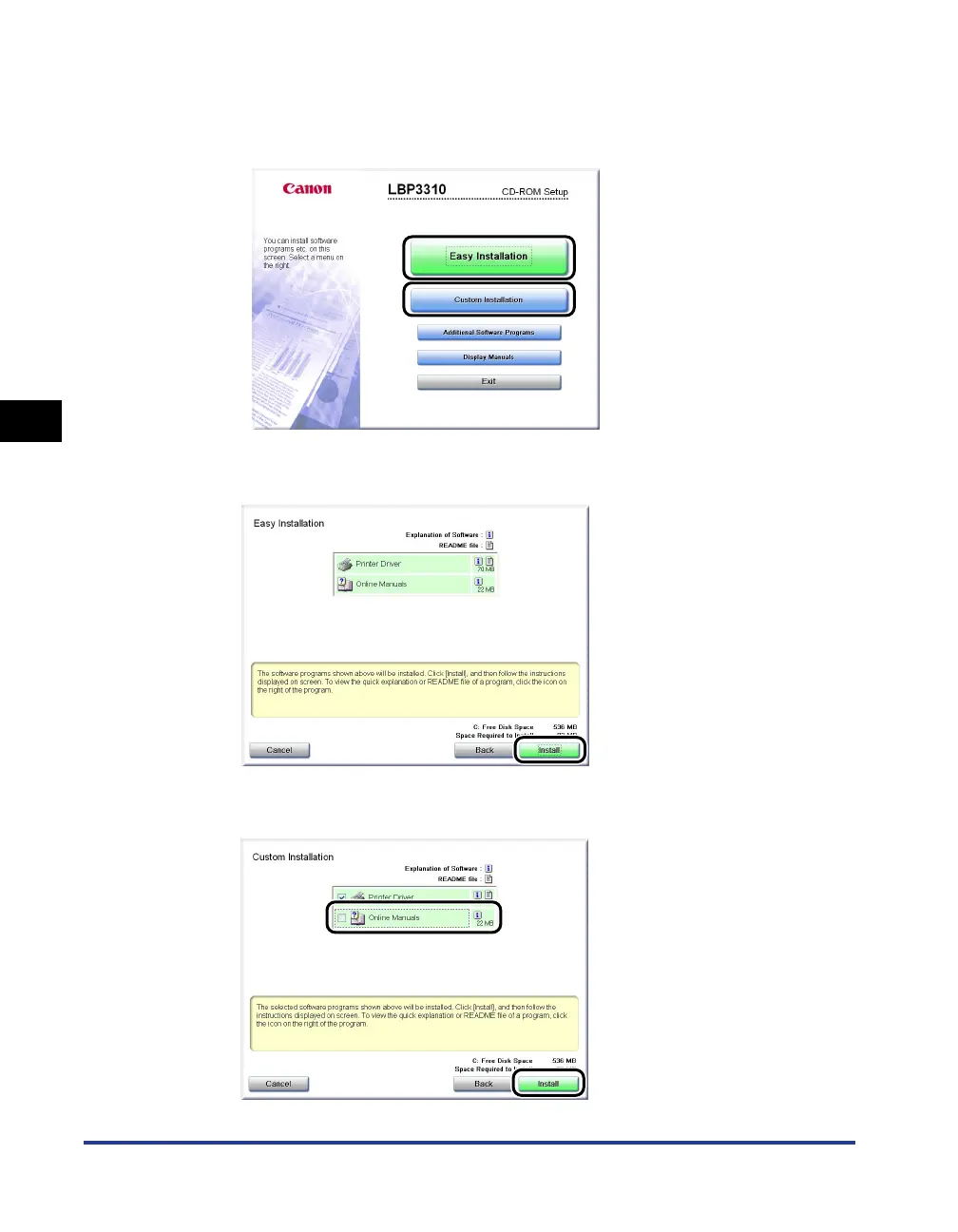
Click [Easy Installation] or [Custom Installation].
• If you want to install the printer driver and the manuals: [Easy Installation]
• If you want to install only the printer driver: [Custom Installation]
5
Click [Install].
If you selected [Custom Installation] in Step 4, clear the [Online Manuals] check
box a, and then click [Install] b.
a
b



 To Next Page