5-9
Basic Usage of the Printer
5
Changing the Default Values for Printing Preferences
3
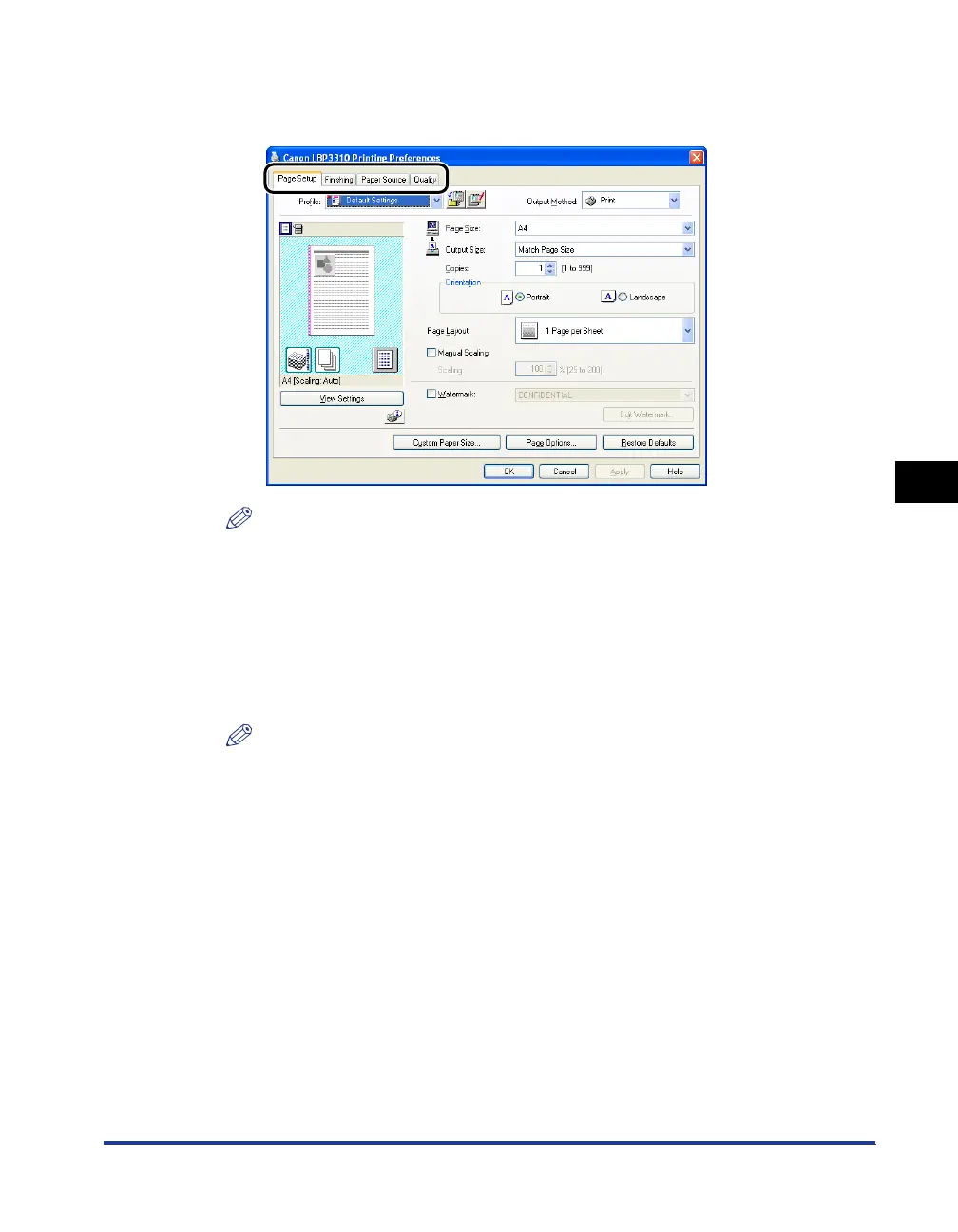
Specify the default value for printing preferences in the [Page
Setup], [Finishing], [Paper Source], and [Quality] sheets.
NOTE
For more details on the settings, see Help. For details on methods for displaying
Help, see "How to Use Help," on p. 5-24.
4
Confirm the settings, then click [OK].
The [Printers and Faxes] folder or the [Printers] folder reappears.
The default values for printing preferences are now changed.
NOTE
"Chapter 6 Using the Various Printing Functions" describes how to use the various
functions of the printer and printer driver. By specifying the settings for the printer
and printer driver for each job, you can make the best use of the printer and its
functions.



 To Next Page