6-26
Using the Various Printing Functions
6
Poster Printing
3
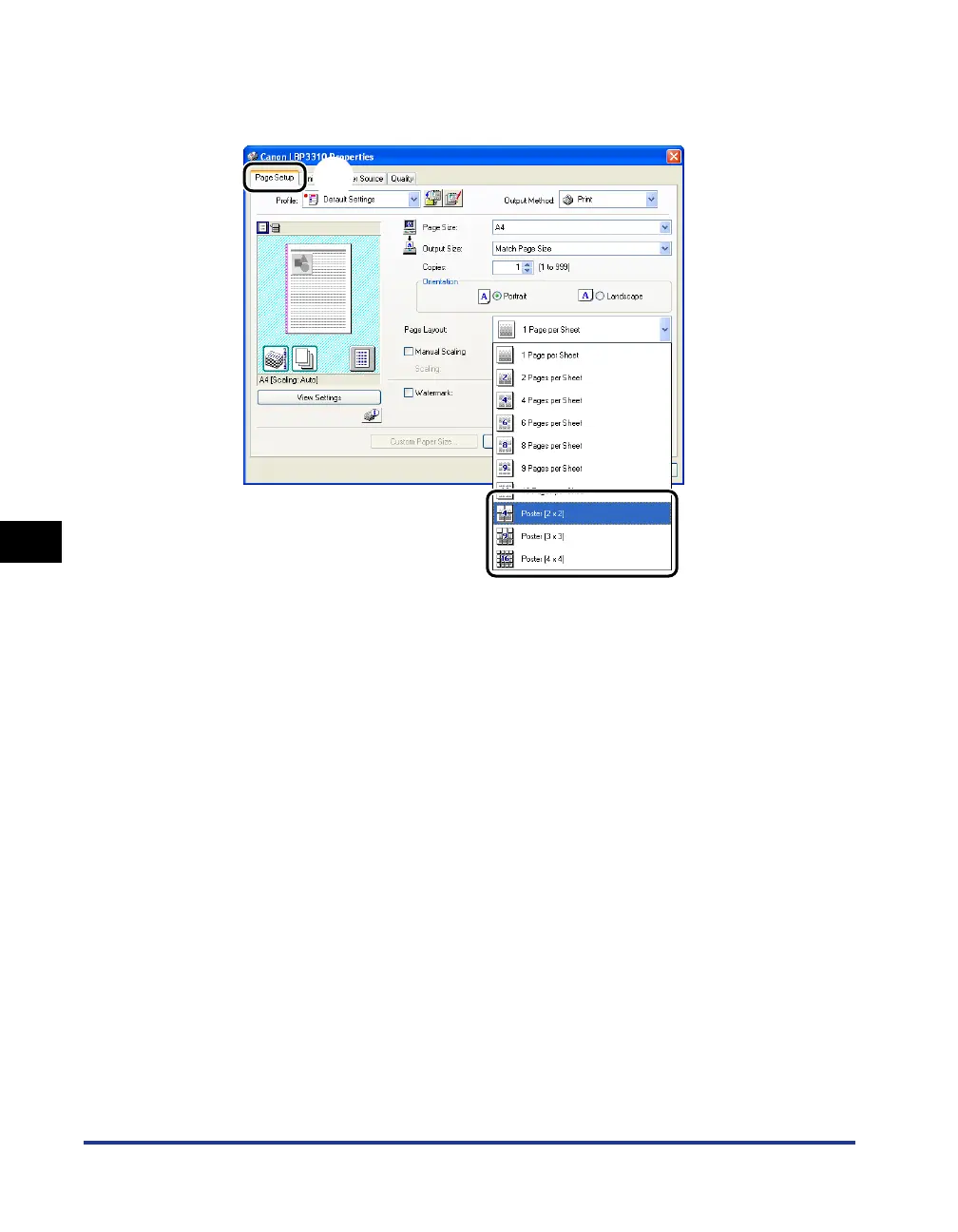
Display the [Page Setup] sheet aa
aa
, then select [Poster [N x N]]
(N = 2, 3, 4) from [Page Layout]
bb
bb
.
A layout image of the printed paper appears on Preview.
4
Confirm the settings, then click [OK].
The [Print] dialog box reappears.
5
Click [OK] or [Print].
The printer starts printing.
a
b



 To Next Page