6-44
Using the Various Printing Functions
6
Selecting Paper for Each Page
IMPORTANT
[Different for Cover and Others] can be selected only if [Print Style] in the
[Finishing] sheet is set to [Booklet Printing].
4
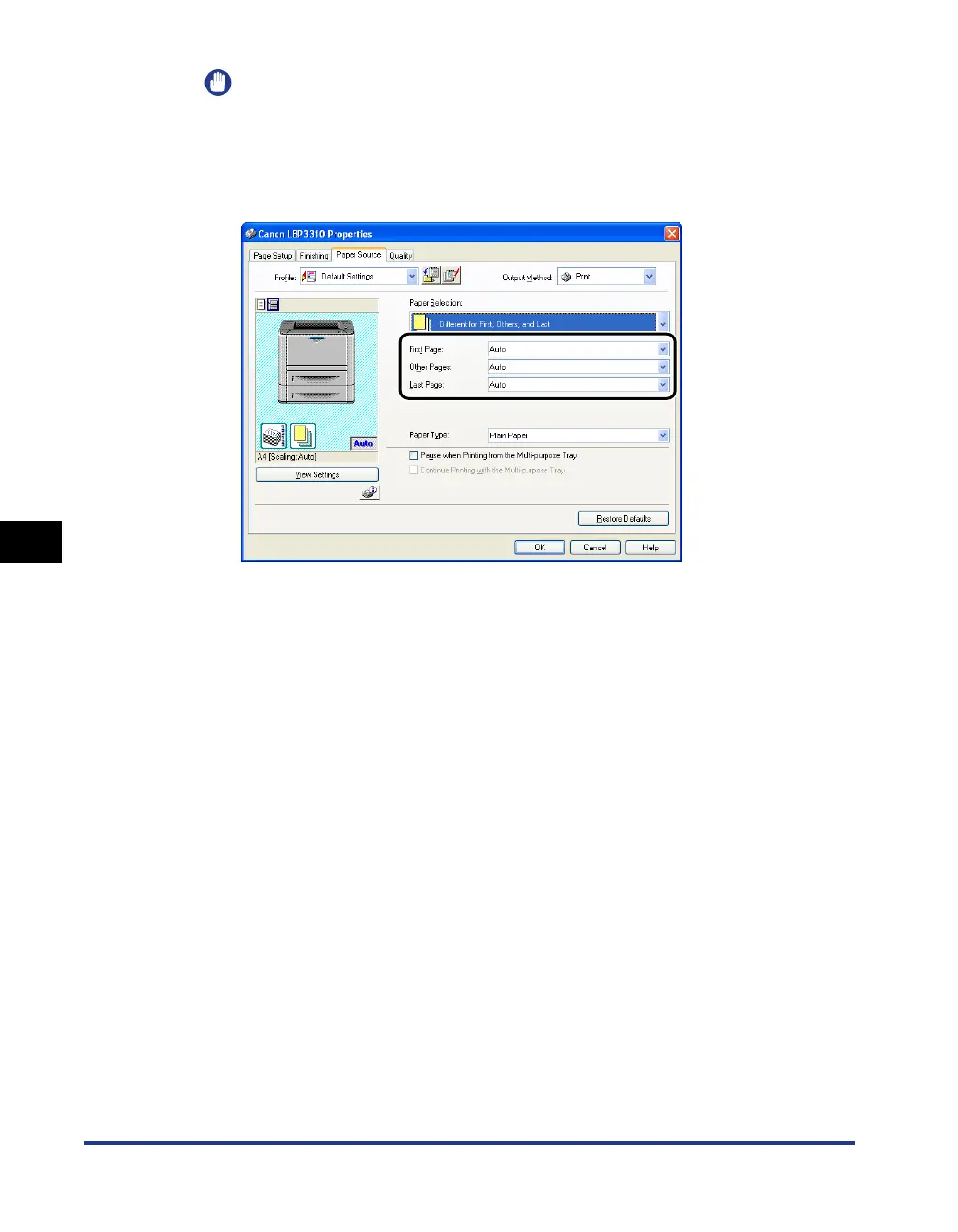
Specify the paper source.
5
Confirm the settings, then click [OK].
The [Print] dialog box reappears.
6
Click [OK] or [Print].
The printer starts printing.



 To Next Page