6-48
Using the Various Printing Functions
6
Printing with Toner Density Adjusted
4
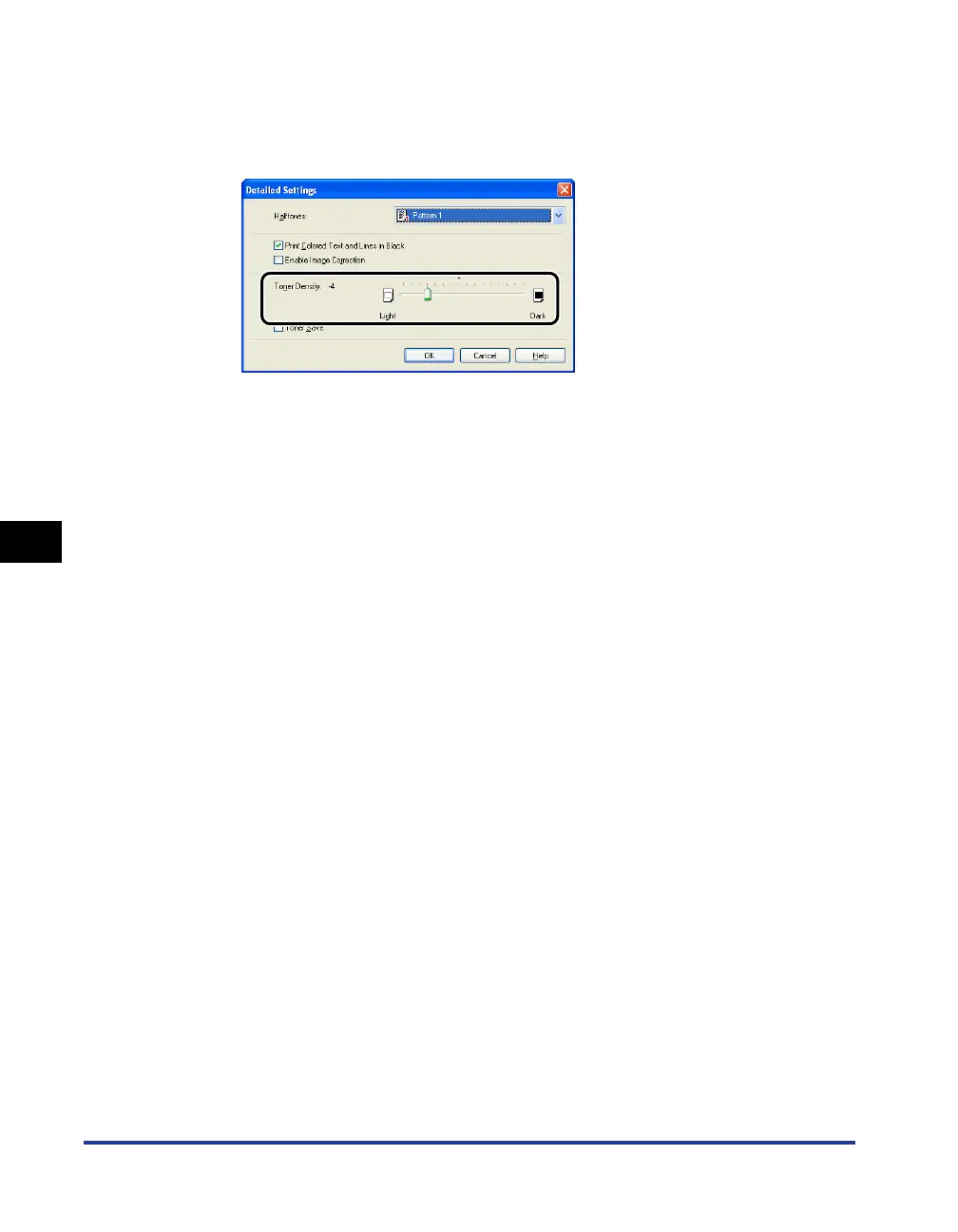
Adjust the toner density by dragging the [Toner Density]
slider horizontally.
Move the slider to the right to make it darker and to the left to make it lighter.
5
Confirm the settings, then click [OK].
The [Quality] sheet reappears.
6
Click [OK].
The [Print] dialog box reappears.
7
Click [OK] or [Print].
The printer starts printing.



 To Next Page