6-52
Using the Various Printing Functions
6
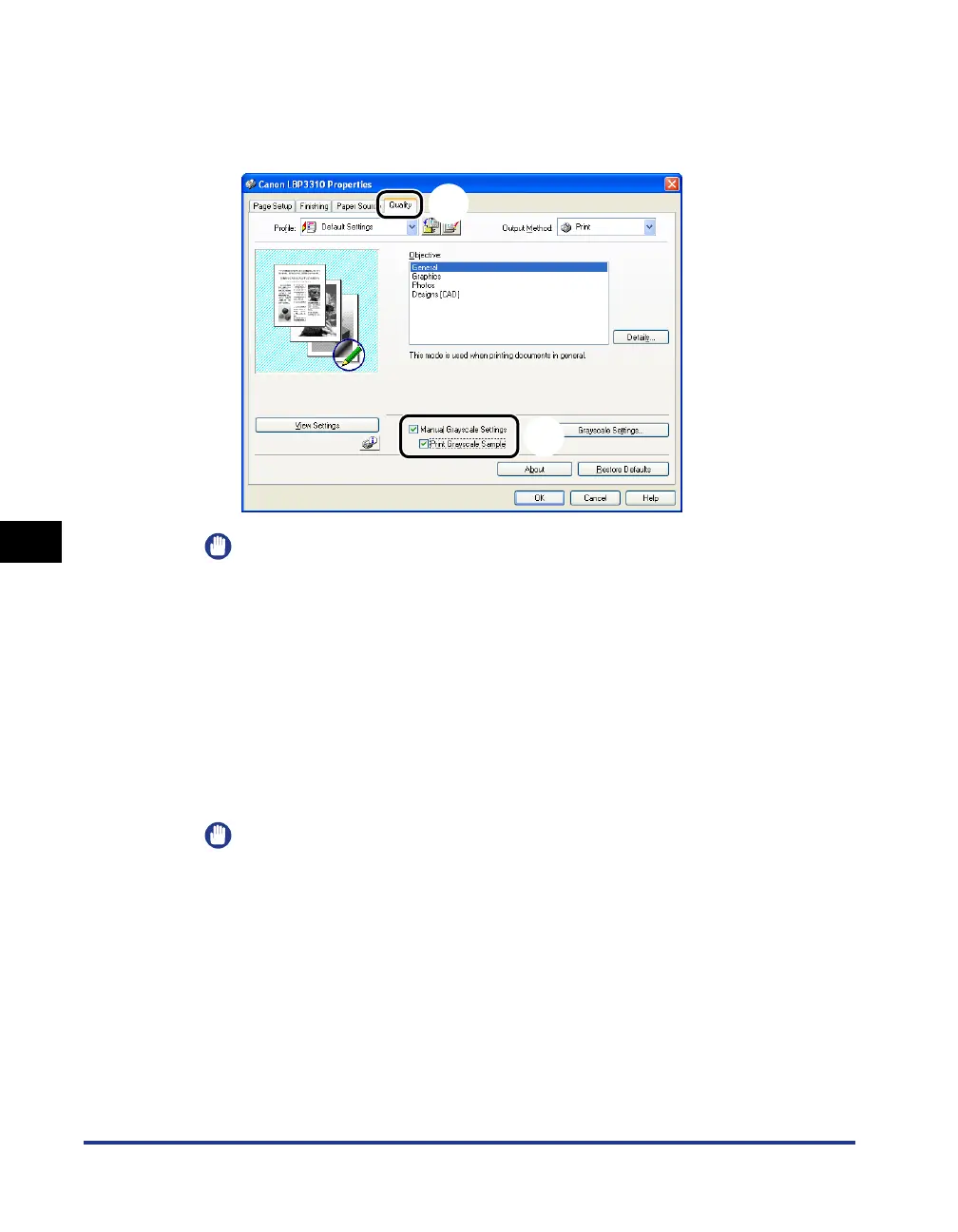
Printing a Grayscale Sample
3
Display the [Quality] sheet aa
aa
, then select the [Manual
Grayscale Settings] check box and the [Print Grayscale
Sample] check box
bb
bb
.
IMPORTANT
When printing a grayscale sample, be sure to set [Page Layout] in the [Page Setup]
sheet to [1 Page per Sheet].
4
Click [OK].
The [Print] dialog box reappears.
5
Click [OK] or [Print].
The grayscale sample is printed.
IMPORTANT
When you are finished with printing grayscale samples, clear the [Print Grayscale
Sample] check box.
a
b



 To Next Page