6-58
Using the Various Printing Functions
6
Using "Profiles"
2
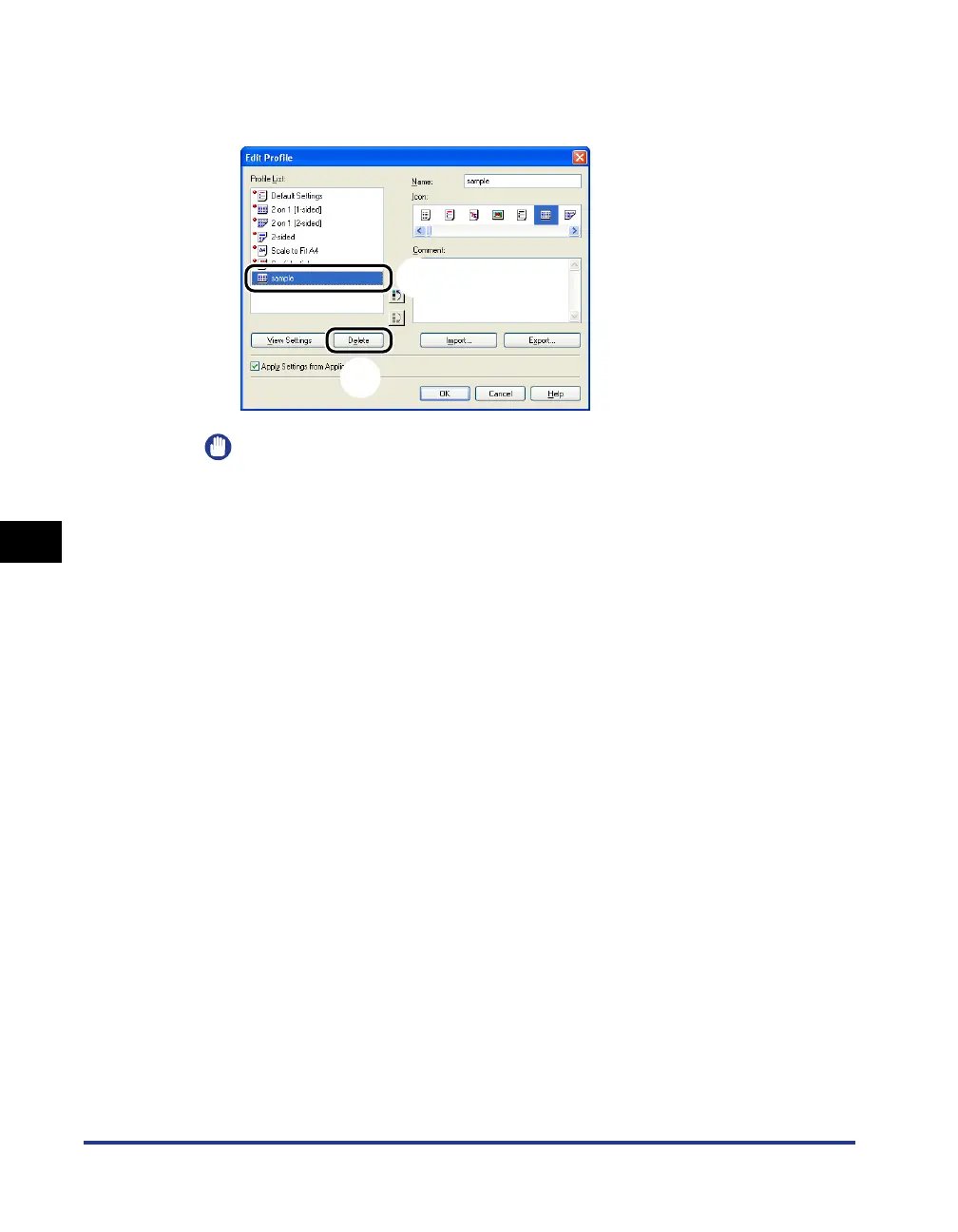
From [Profile List], select the custom "Profile" that you want
to delete
aa
aa
and click [Delete] bb
bb
.
IMPORTANT
You can delete only custom "Profiles". You cannot delete the default "Profiles".
Also, you cannot delete the "Profile" currently selected in each sheet.
3
Click [OK].
The Properties dialog box reappears.
a
b



 To Next Page