7-28
Routine Maintenance
7
Moving the Printer
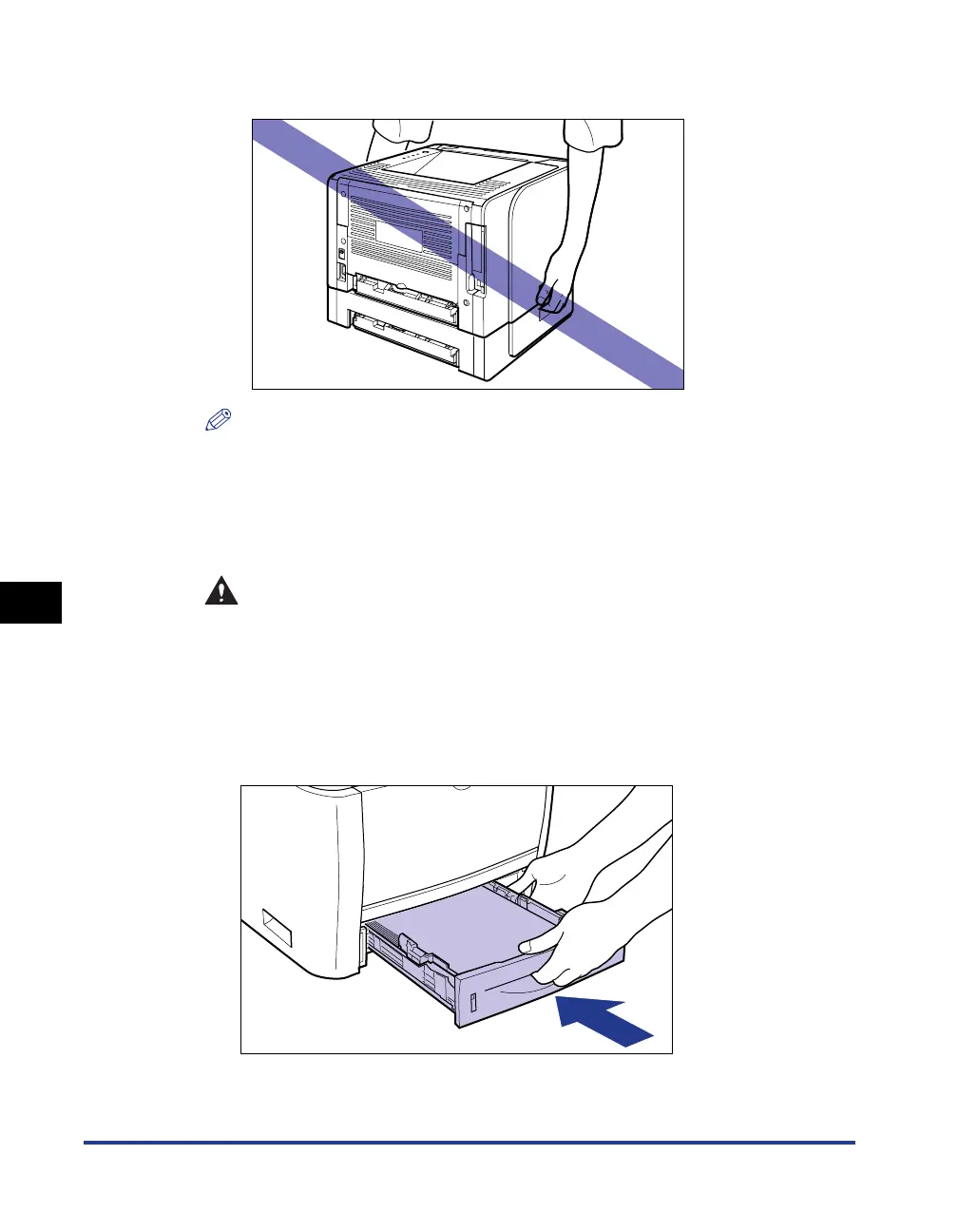
• Do not carry the printer with the paper feeder installed. If you do so, the
paper feeder may drop resulting in personal injury.
NOTE
If the optional paper feeder has been installed in the printer, place the paper feeder
at the new installation site before carrying the printer to the site. For details on the
procedure for installing the paper feeder, see "Paper Feeder," on p. 9-2.
6
Put the printer down carefully at the new installation site.
CAUTION
Put the printer down slowly and carefully. Be careful not to hurt your
hands.
7
Set the paper cassette in the printer.
Push the paper cassette into the printer firmly until the front side of the paper
cassette is flush with the front surface of the printer.



 To Next Page