8-5
Tr oubleshooting
8
Paper Jams
•
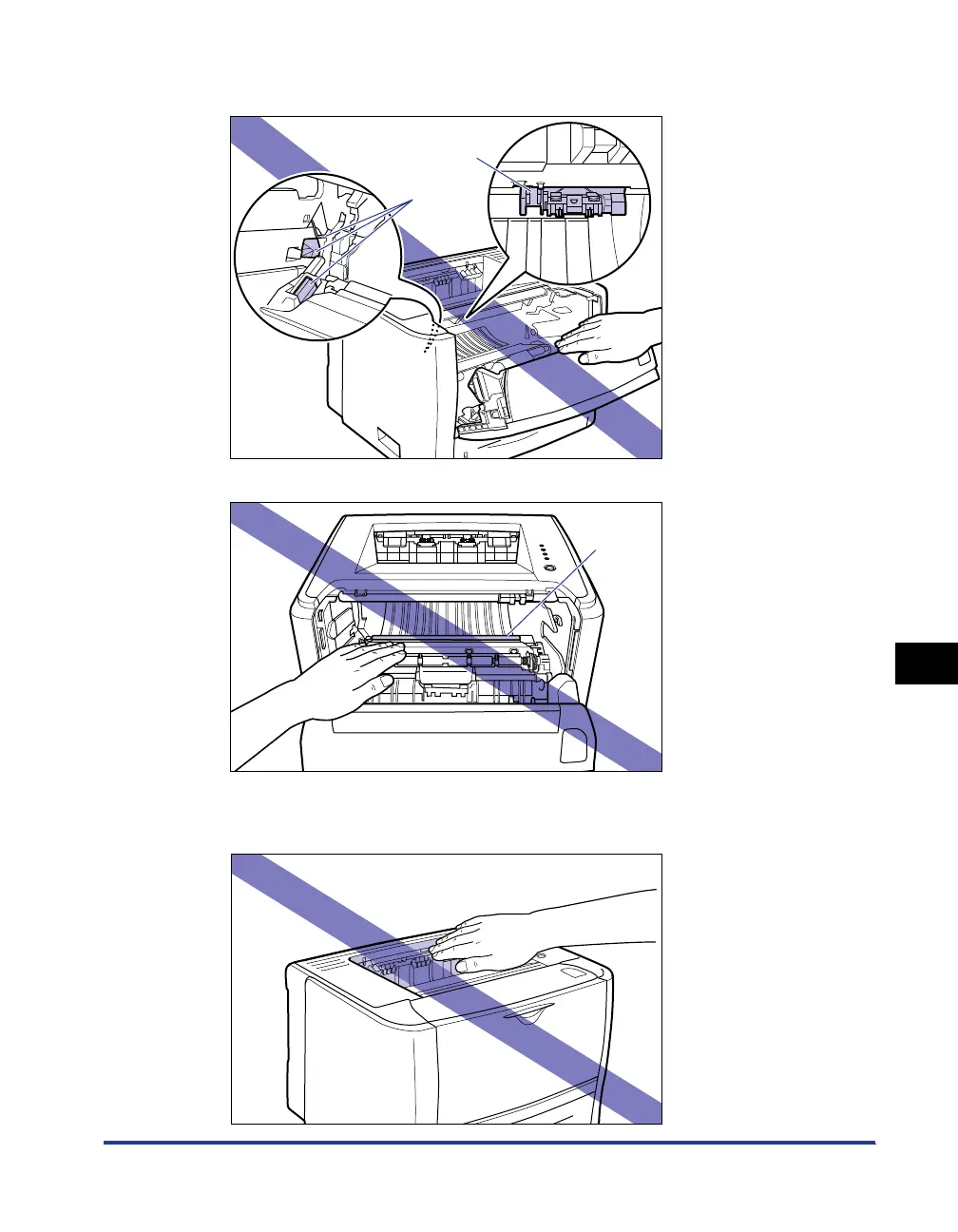
Do not touch the high-voltage contact (A) or the electrical contacts (B) shown in the
figure, as this may result in damage to the printer.
•
Do not touch the transfer roller (C), as this may result in deterioration in print quality.
•
The face-down output tray and its surroundings become hot during or immediately after
using the printer. Do not touch the face-down output tray and its surroundings when
removing the jammed paper or performing the related operation.
(A)
(B)
(C)



 To Next Page