8-27
Tr oubleshooting
8
The Alarm Indicator Is On/Blinking
1
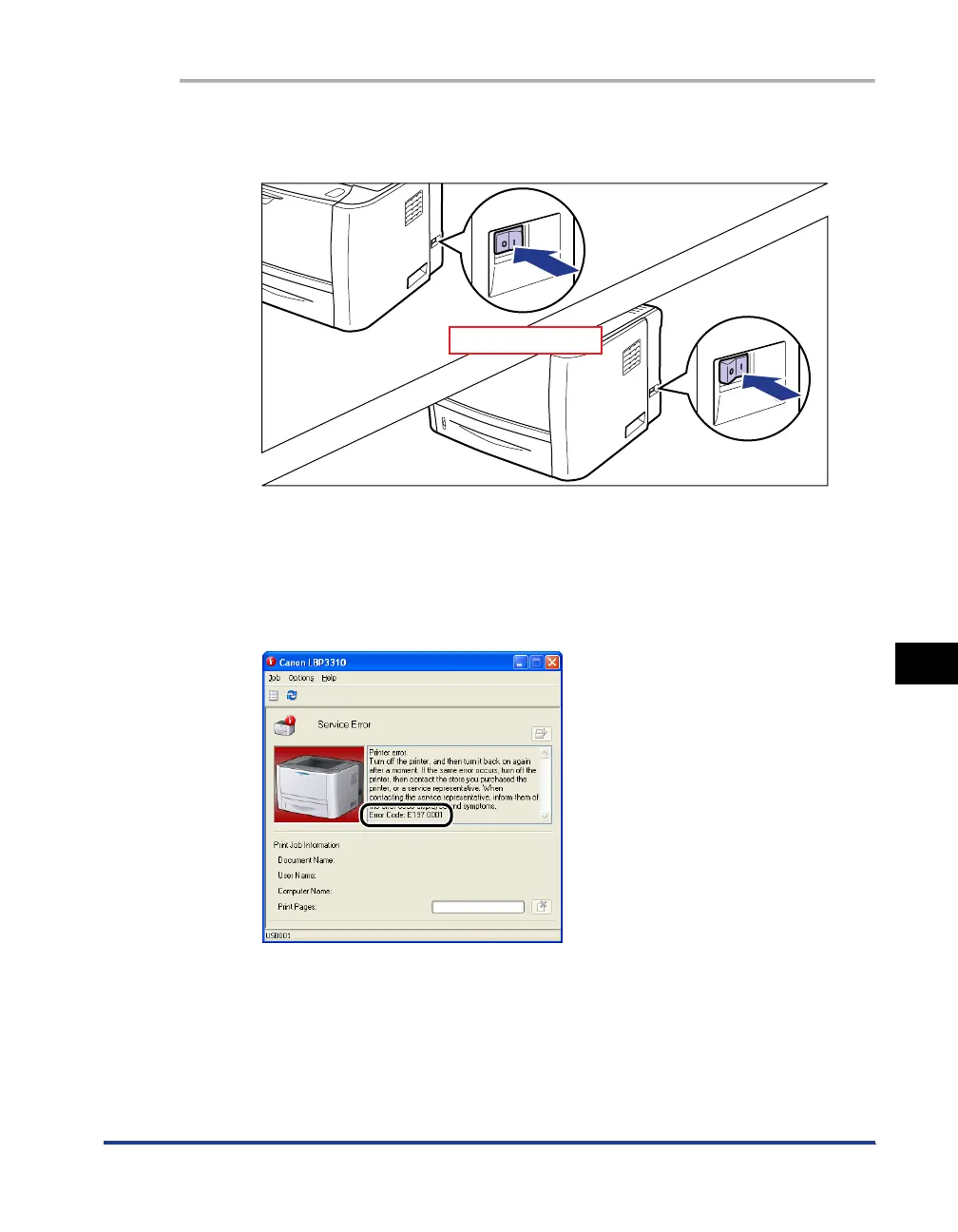
Turn the printer OFF, wait for 10 seconds or longer, and then
turn it ON again.
If the message does not reappear, the printer can be used as normal.
If the error message still appears, proceed to Step 2.
2
Note down the error code displayed in the Printer Status
Window.
OFF
After 10 seconds



 To Next Page