8-44
Tr oubleshooting
8
Installation Problems
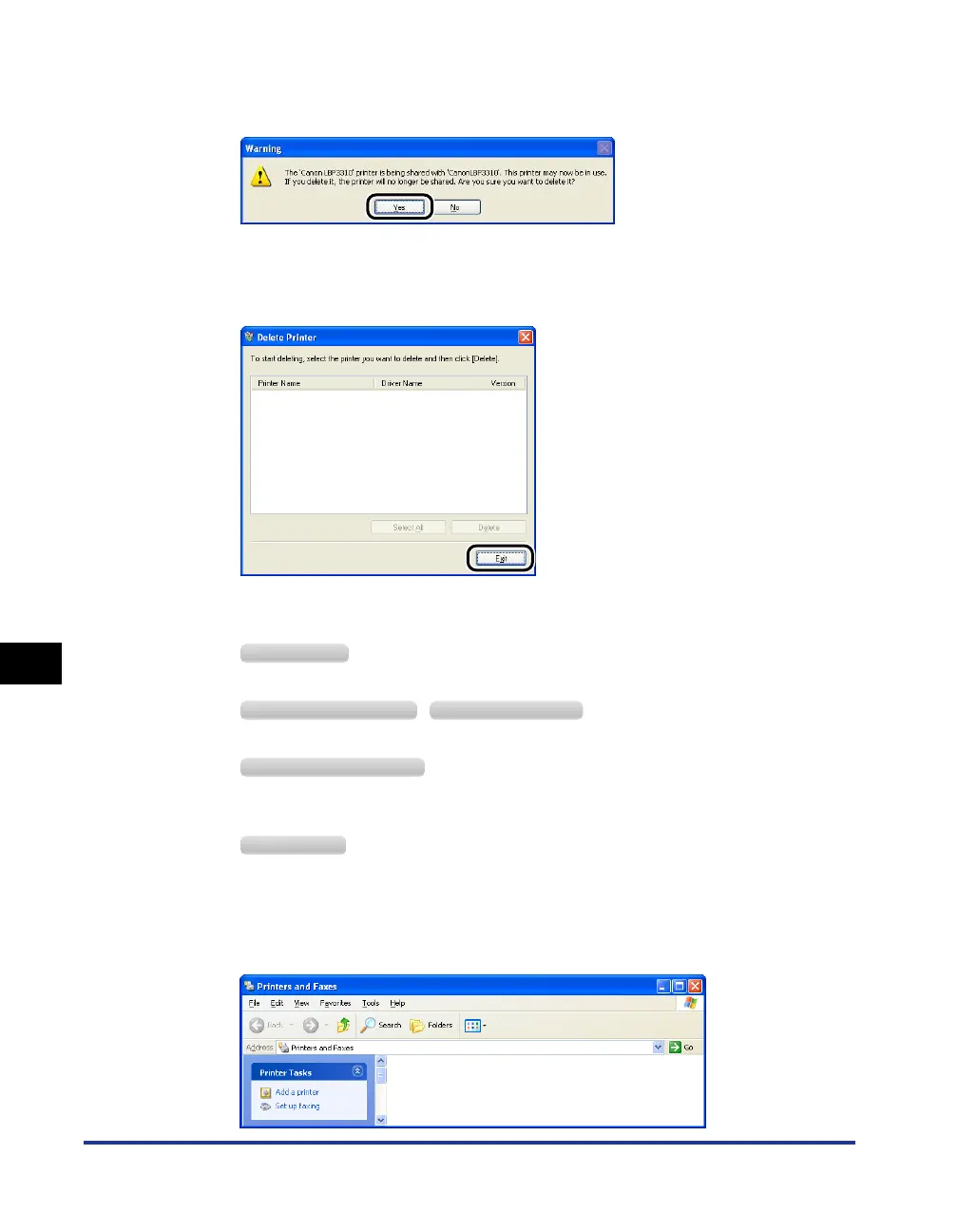
If the printer is used as a shared printer, the following screen appears. Confirm
the contents of the message, and then click [Yes] if you want to uninstall the
printer driver.
Uninstallation starts. Please wait a moment.
5
Click [Exit].
6
Display the [Printers and Faxes] folder or the [Printers] folder.
From the [Start] menu, select [Settings]
➞
[Printers].
From the [Start] menu, select [Printers and Faxes].
From the [Start] menu, select [Control Panel], and then click [Printers and Other Hardware]
➞
[Printers and Faxes].
From the [Start] menu, select [Control Panel], and then click [Printer].
7
Make sure that the icon for this printer is not displayed in the
[Printers and Faxes] folder or [Printers] folder.
Windows 2000
Windows XP Professional Windows Server 2003
Windows XP Home Edition
Windows Vista



 To Next Page