9-5
Installing the Optional Accessories
9
Paper Feeder
5
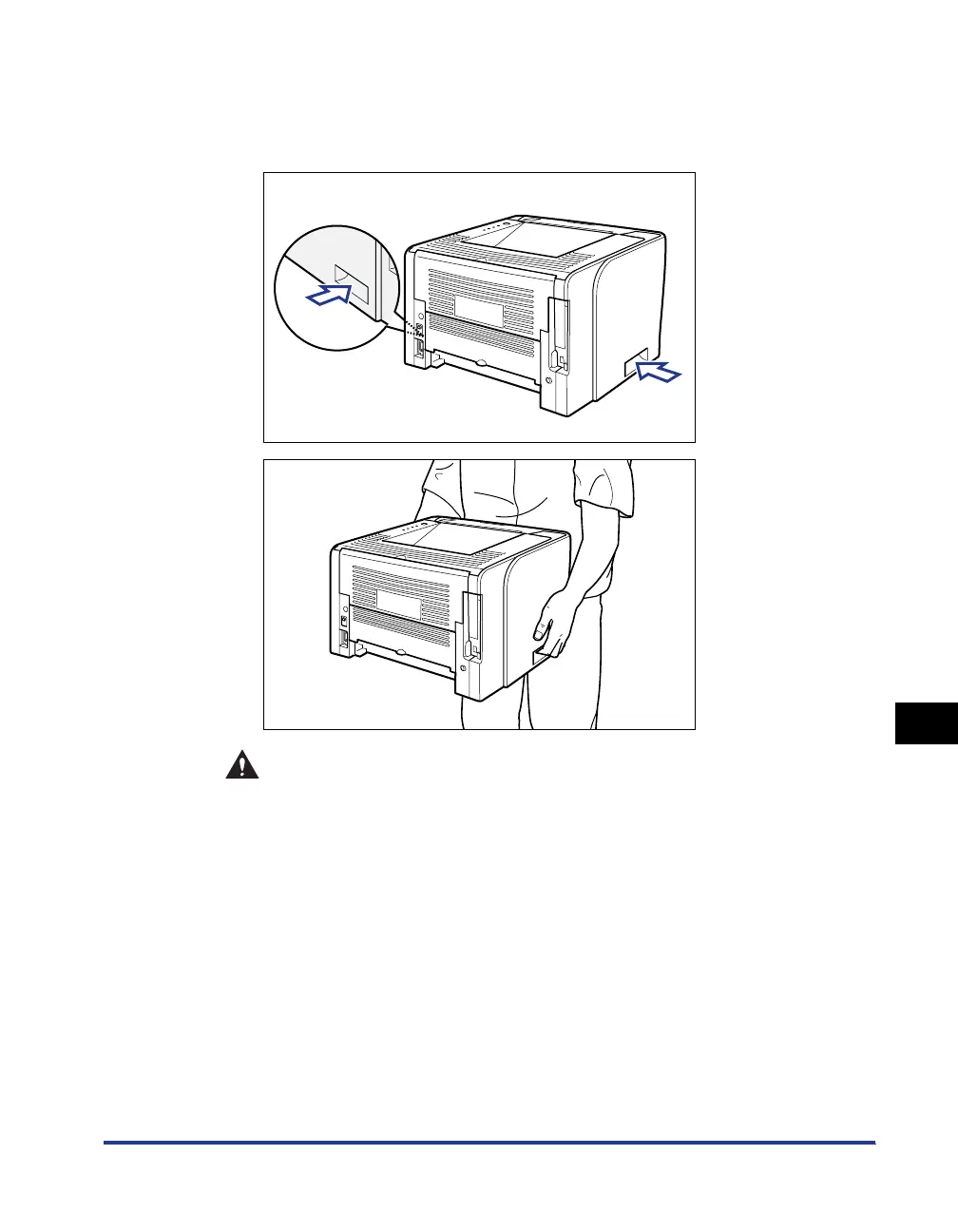
Move the printer from the installation site.
From the front side, securely hold the printer by the lift handles on the lower
portion of the printer with both hands.
CAUTION
• This printer weighs approximately 11 kg without the paper cassette
installed. Please be careful not to hurt your back or other portions of your
body when carrying the printer.



 To Next Page