9-12
Installing the Optional Accessories
9
Paper Feeder
2
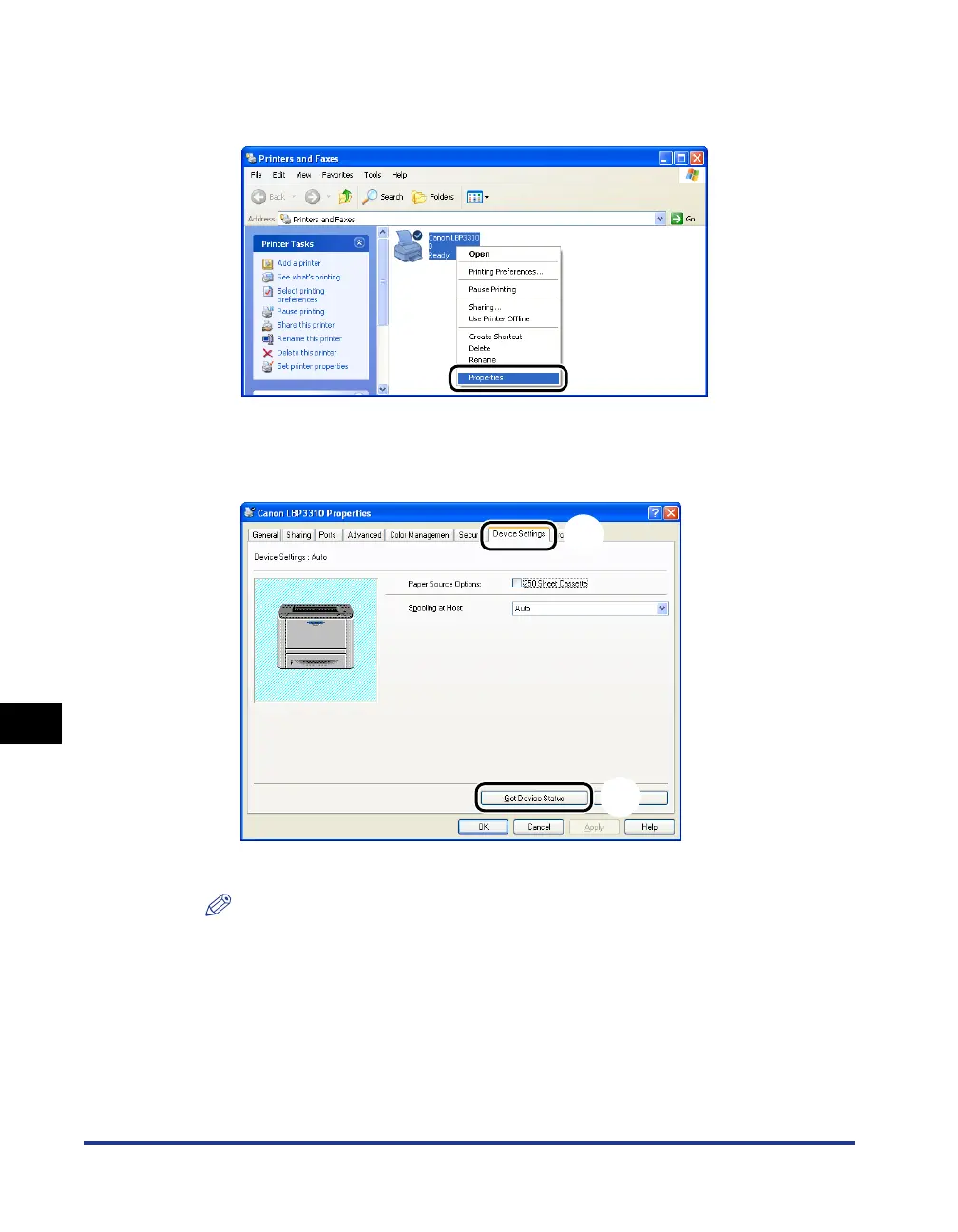
Right-click the icon for this printer, then select [Properties]
from the pop-up menu.
3
Display the [Device Settings] sheet aa
aa
, then click [Get Device
Status]
bb
bb
.
The status of the paper feeder is obtained automatically.
NOTE
If you cannot obtain the status of the paper feeder automatically, select the [250
Sheet Cassette] check box in [Paper Source Options].
a
b



 To Next Page