9-16
Installing the Optional Accessories
9
Network Board
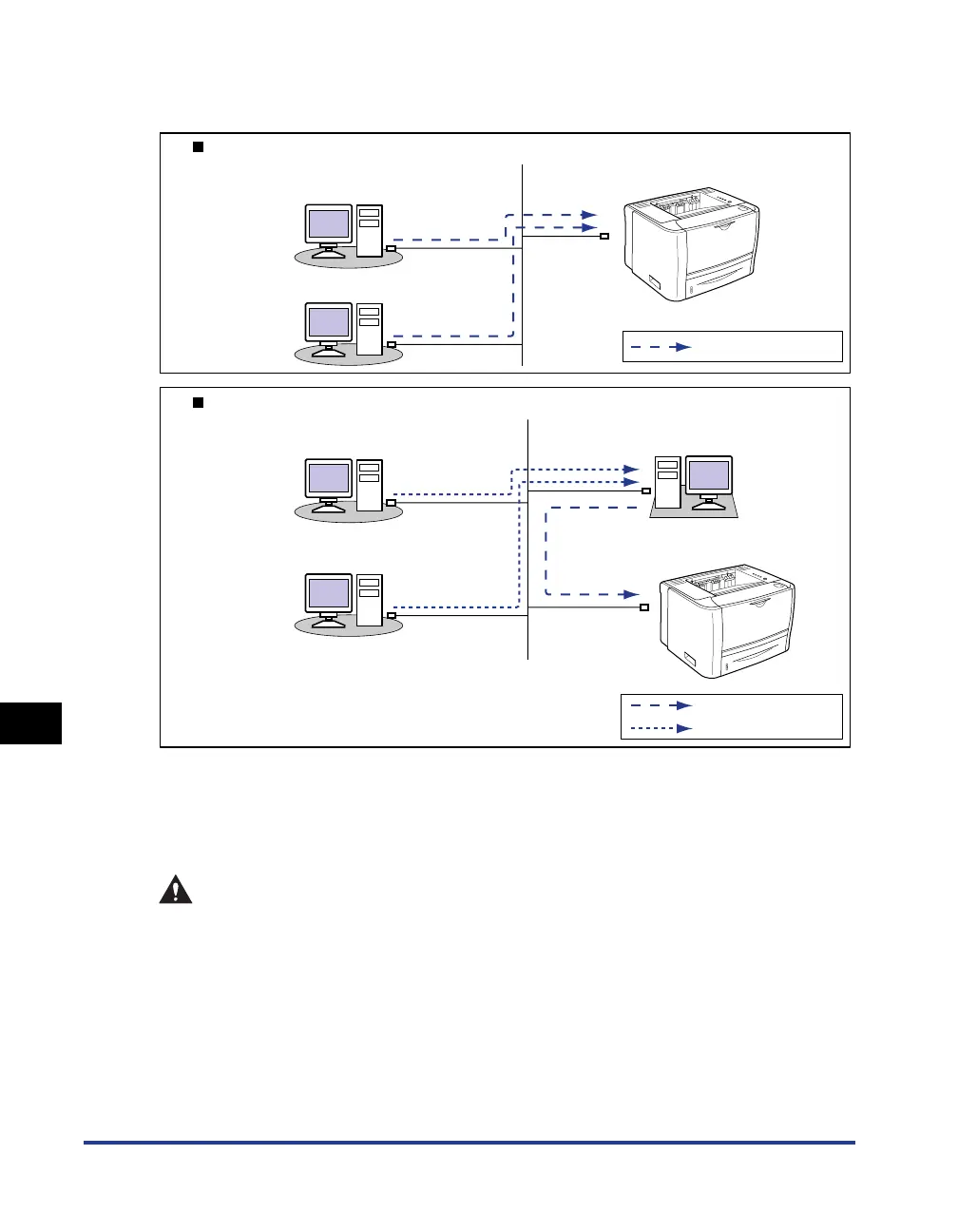
By installing the optional network board, you can use LBP3310 as a printer directly
connected to a network.
* If you want to connect this printer via a print server, you must perform the following settings.
1. Install the printer driver on the print server. (See Network Guide)
2. Configure the print server. (See p. 4-36)
3. Install the printer driver on a client computer. (See p. 4-46)
CAUTION
• Be sure to turn the printer OFF, unplug the power plug, and then disconnect all
the interface cables and power cord from the printer before installing the
network board. If a USB cable is connected, turn the computer off, and then
remove the USB cable. If you attempt to install the network board when the
printer is ON or when any cables are connected to the printer, this may result in
an electrical shock.
• Be careful when handling the network board. Touching the edges or any sharp
parts of the network board may result in personal injury.
Connecting the printer directly to the computer
Connecting the printer to the computer via a print server
Client
Client
Client
Client
Printer
Printer
: TCP/IP
: TCP/IP
:
Usable Protocols
Print server



 To Next Page