Removing the Packing Materials Inside the Printer and Installing the Toner Cartridge
2-20
Installing the Printer
2
•
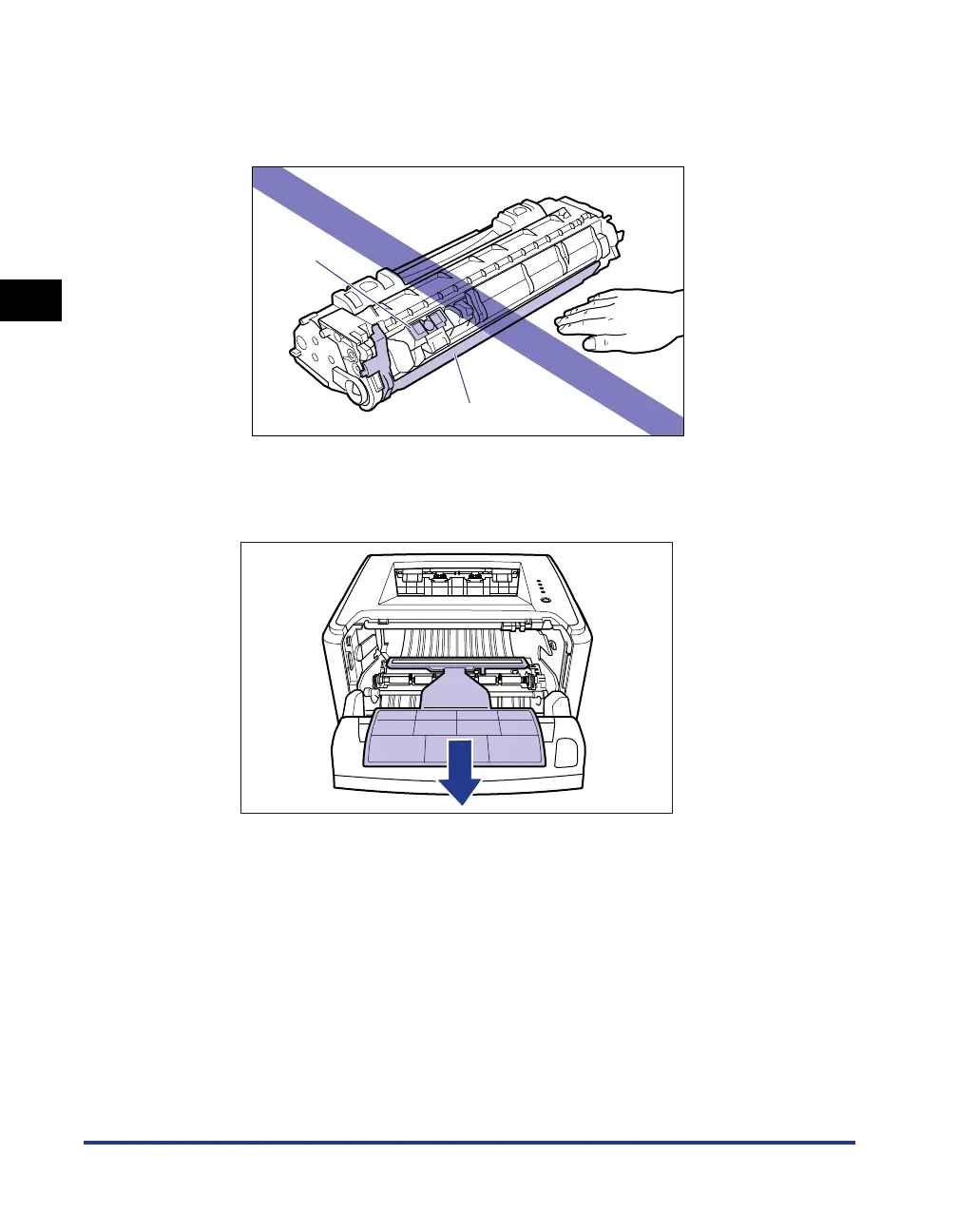
Pull out the sealing tape completely from the toner cartridge. If any tape remains in
the toner cartridge, this may result in poor print quality.
•
When pulling out the sealing tape, be careful not to touch the toner cartridge
memory (A) or not to hold the drum protective shutter (B) with your hands.
9
Remove the packing material with paper inside the front
cover.
(A)
(B)



 To Next Page