General Information
Canrig Drilling Technology Ltd. 3-11
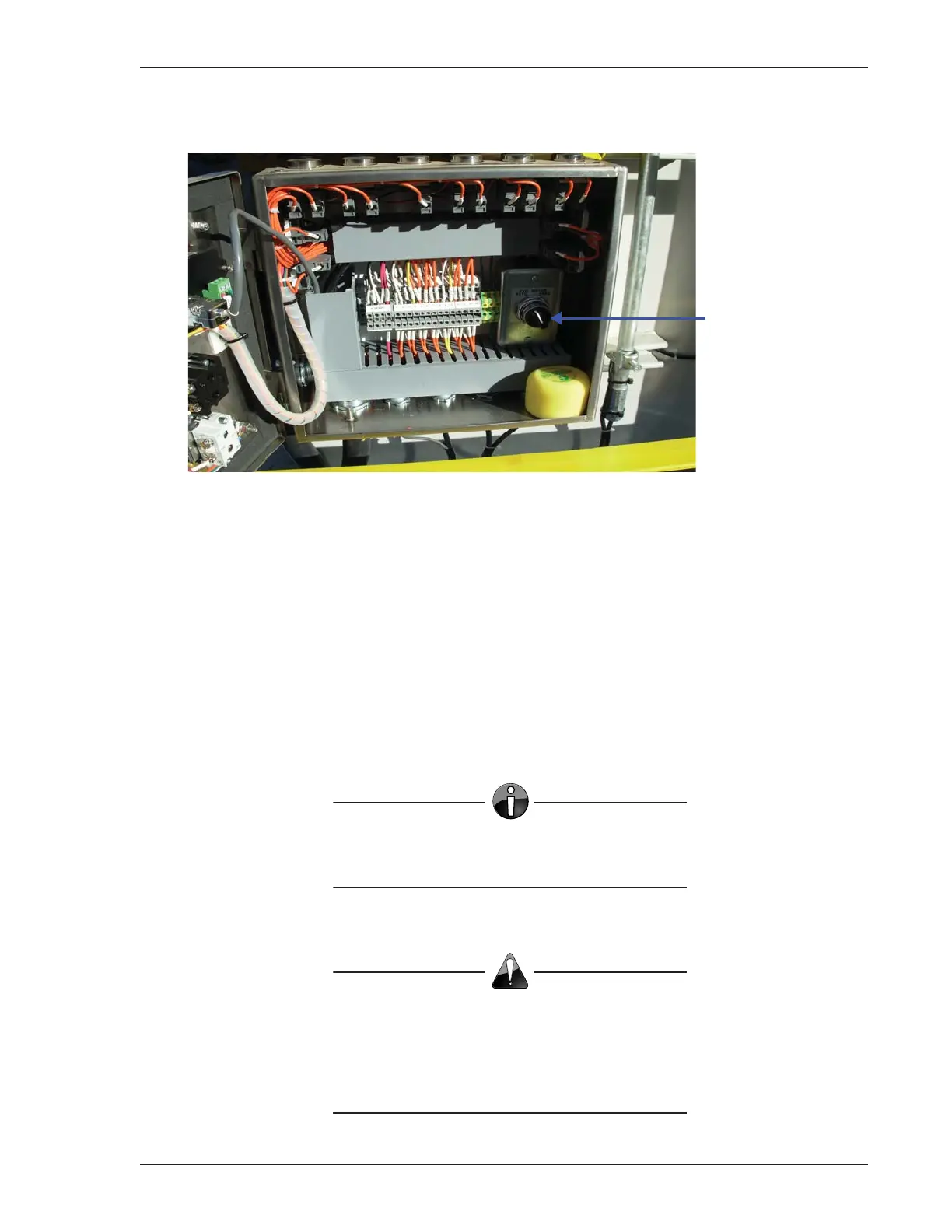
A Pump (Hyd. Motor) AUTO/HAND switch (Figure 3-10) is located inside the control console.
Figure 3-10: Inside Control Console
Use the RESET button (Figure 3-11, page 3-12) to reset operational errors and to enable carrier operation
from the control console when the wireless terminal is disabled (OFF).
The Pump START button starts the hydraulic pump motor. This energizes the Catwalk hydraulic system.
The Catwalk may then be operated from the control console (or the wireless terminal, if it has been
enabled).
The STOP button stops the hydraulic pump motor.
The Pump ON button loads the hydraulic pump to provide 2,000 psi pressure to lower the carrier and
retract the skate under certain conditions. It DOES NOT start the pump motor.
NOTE
DO NOT use the Pump ON switch
for normal operation.
Caution
DO NOT switch the AUTO/HAND selector
to HAND while the motor is running. This will
disable the E-STOP button on the control
console of older versions of the Catwalk.
Pump (Hyd. Motor)
AUTO/HAND Switch



 To Next Page