Operations
Canrig Drilling Technology Ltd. 5-15
5. Bring the carrier out of the Overshoot condition by lowering the carrier until its end is near the roller at
the top of the ramp.
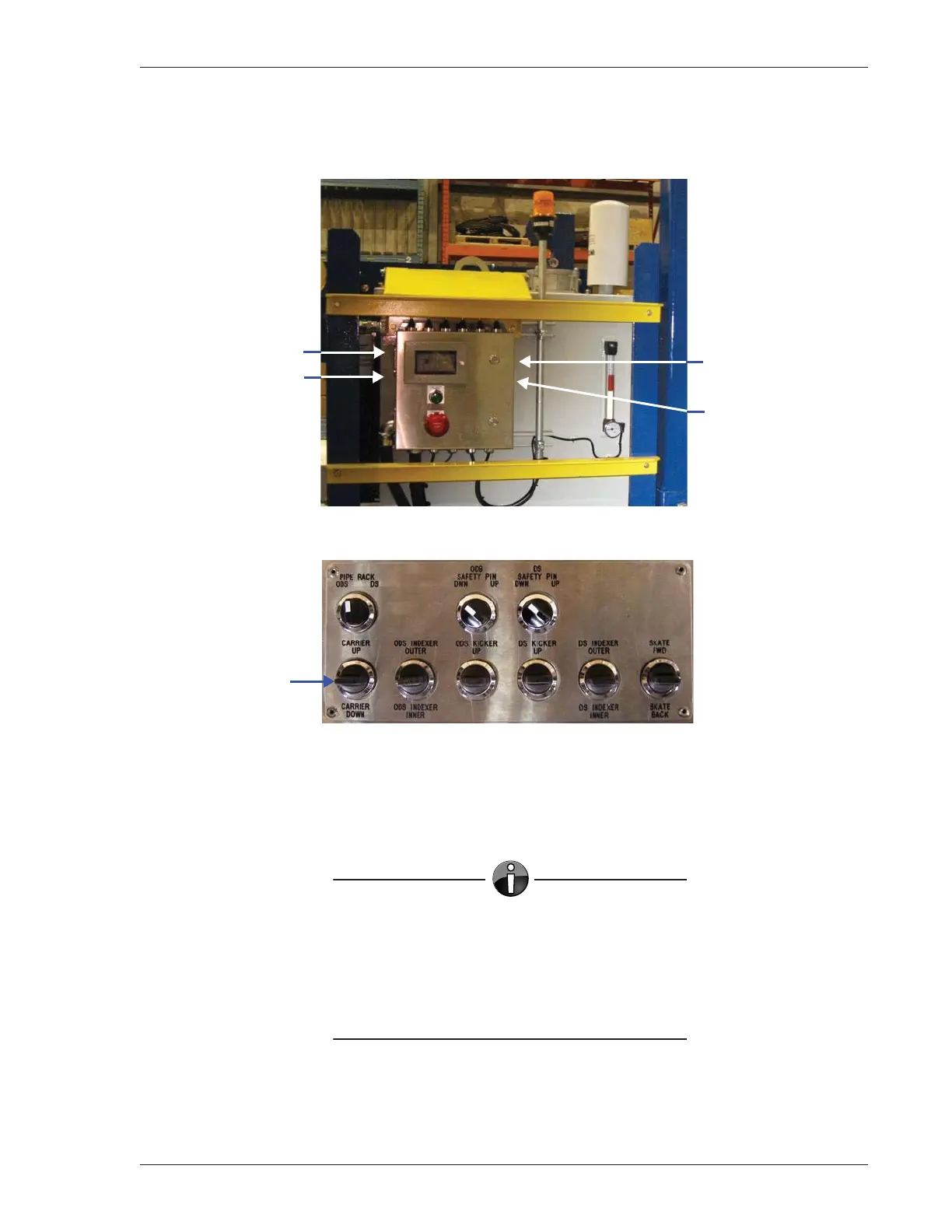
Figure 5-9: Buttons on Left and Right Sides of Control Console
Figure 5-10: Control Bank Switches and Levers, Top of Control Console
6. Once you have the carrier in position, press F5 to Cancel. The screen will display OK – No Errors. You
may now continue to operate the Catwalk normally.
NOTE
• Be sure to return the Pump (Hyd. Motor)
AUTO/HAND switch inside the control console
(Figure 3-10, page 3-11) to the AUTO position.
• If the carrier continues to go into
Overshoot, contact Canrig Field Service.
START Button
STOP Button
RESET Button
Pump ON Button
Carrier UP/
DOWN Lever



 To Next Page