Programmable DC Power Supply (with Solar Array Simulation) 62000H Series
Operating & Programming Manual
Figure 4-28
b. Set the Sequence Type to MANUAL
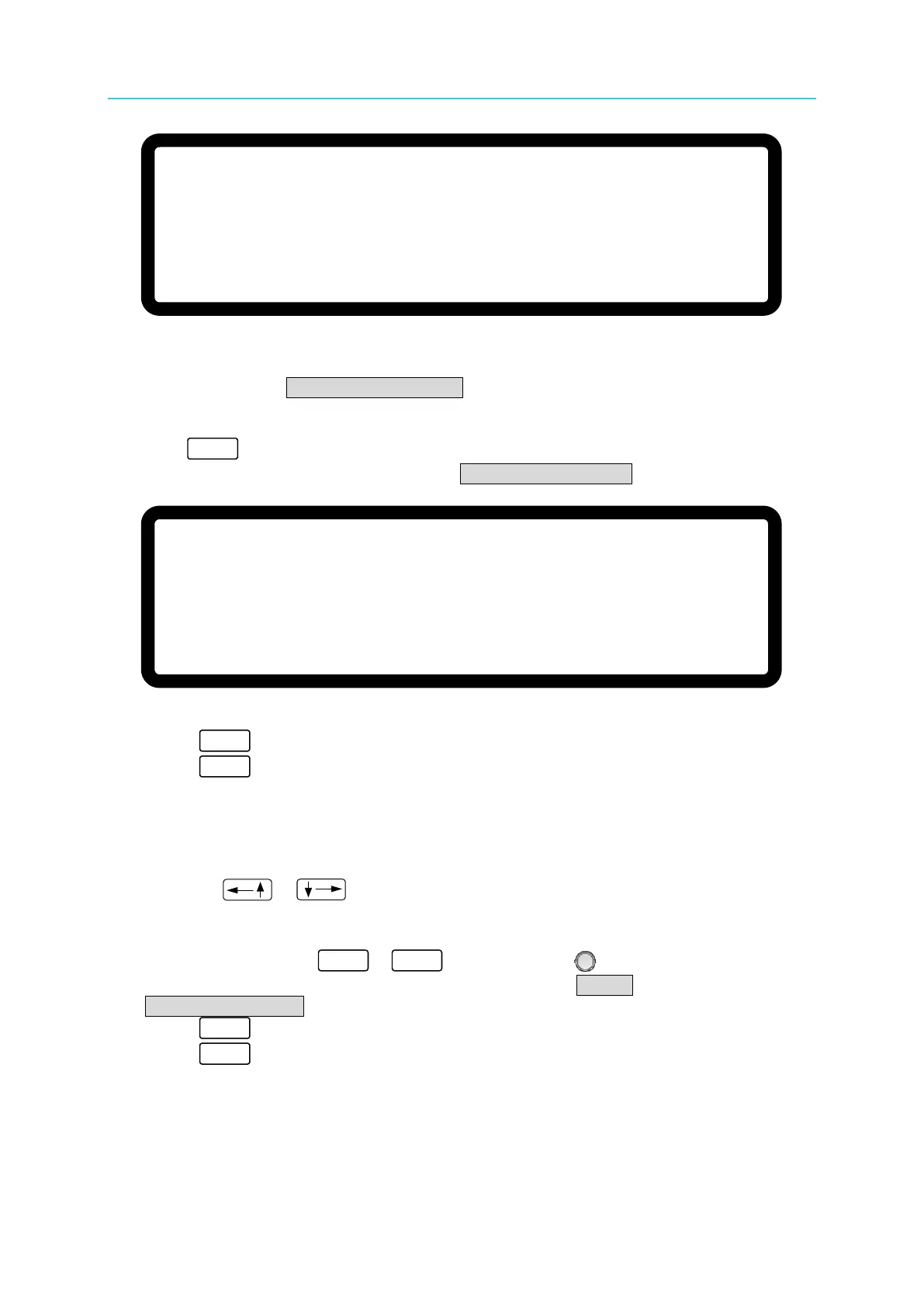
When setting SEQ TYPE = MANUAL, the IV-Sequence page appears as shown in
Figure 4-29. The IV-Sequence will run automatically and stops at the IV-FILE
Number set in the IV-Sequence. It will not go to the next IV-Sequence until the
“ ” key on the front panel is pressed. The IV-Sequence page will not ask the
user to enter the time duration when SEQ TYPE =MANUAL.
Figure 4-29
3. Press “ ” to confirm.
4. Press “ ” to return to IV-Program Page (Figure 4-26)。
4.3.2.4 Setting Time
1. Use the “ ”, “ ” keys to move the cursor to the column to be set as shown in
Figure 4-27 (4).
2. Use the numeric keys
-
or the “Rotary” ( ) knob to set the value.
This function sets the time duration for the IV-Sequence. TIME = only appears when
SEQ. TYPE = AUTO.
3. Press “ ” to confirm.
4. Press “ ” to return to the IV-Program Page (Figure 4-26).
[ I V- S E Q U E N C E ]
S E Q N O
. =
1
I V –
F I L E N O. = 0
S E Q T Y P E = A U T O _
T I M E = 0 ( S )
▲
▼
[ I V- S E Q U E N C E ]
S E Q N O. = 1
I V – F I L E N O
. = 0
S E Q T Y P E = M A N U A L
_
▲
▼








 To Next Page