Manual Operation
set SAVE=YES and press “ ” to save it. If there is no need to save it, press “
”
to return to the Calibration screen.
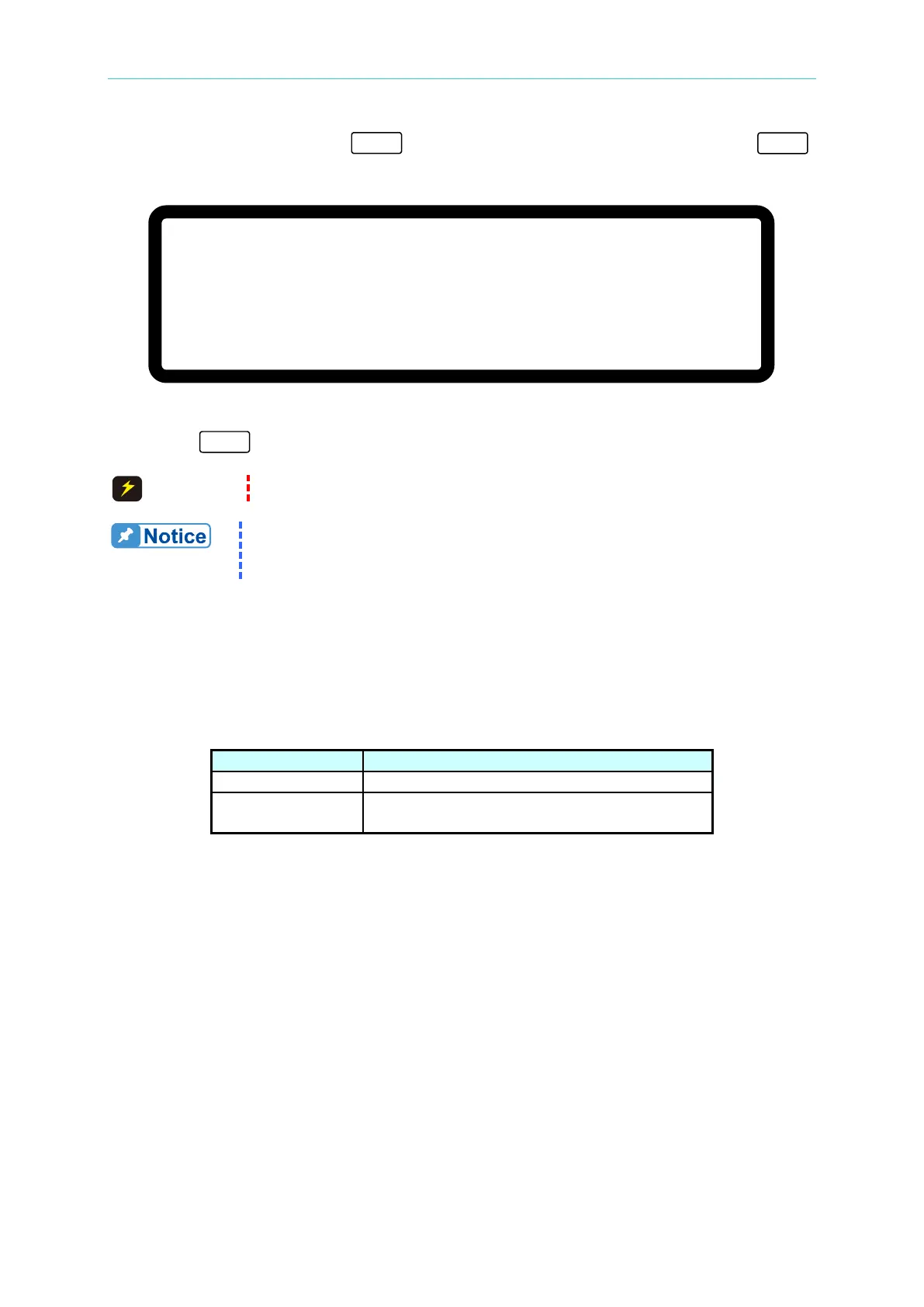
[ S A V E A R G U M E N T ]
S A V E = N O
Figure 3-124
13. Press “
” to return to the MAIN PAGE.
Improper shunt range selection may cause damage to the current shunt.
The calibration points may be different for other models (non
62150H-600S); perform the calibration following the instructions
3.3.7.4 APG Voltage Calibration
3.3.7.4.1 Hardware Requirements
Table 3-9 lists the hardware requirements for APG voltage calibration.
Table 3-9
Suggest Model or Capacity
HP 34401A or equivalent DVM
Any DC Power Supply or DC signal source
that can output 10Vdc and drive 100mA.
3.3.7.4.2 SETUP
Figure 3-125 shows the wiring connections for APG voltage calibration.








 To Next Page