Programmable DC Power Supply (with Solar Array Simulation) 62000H Series
Operating & Programming Manual
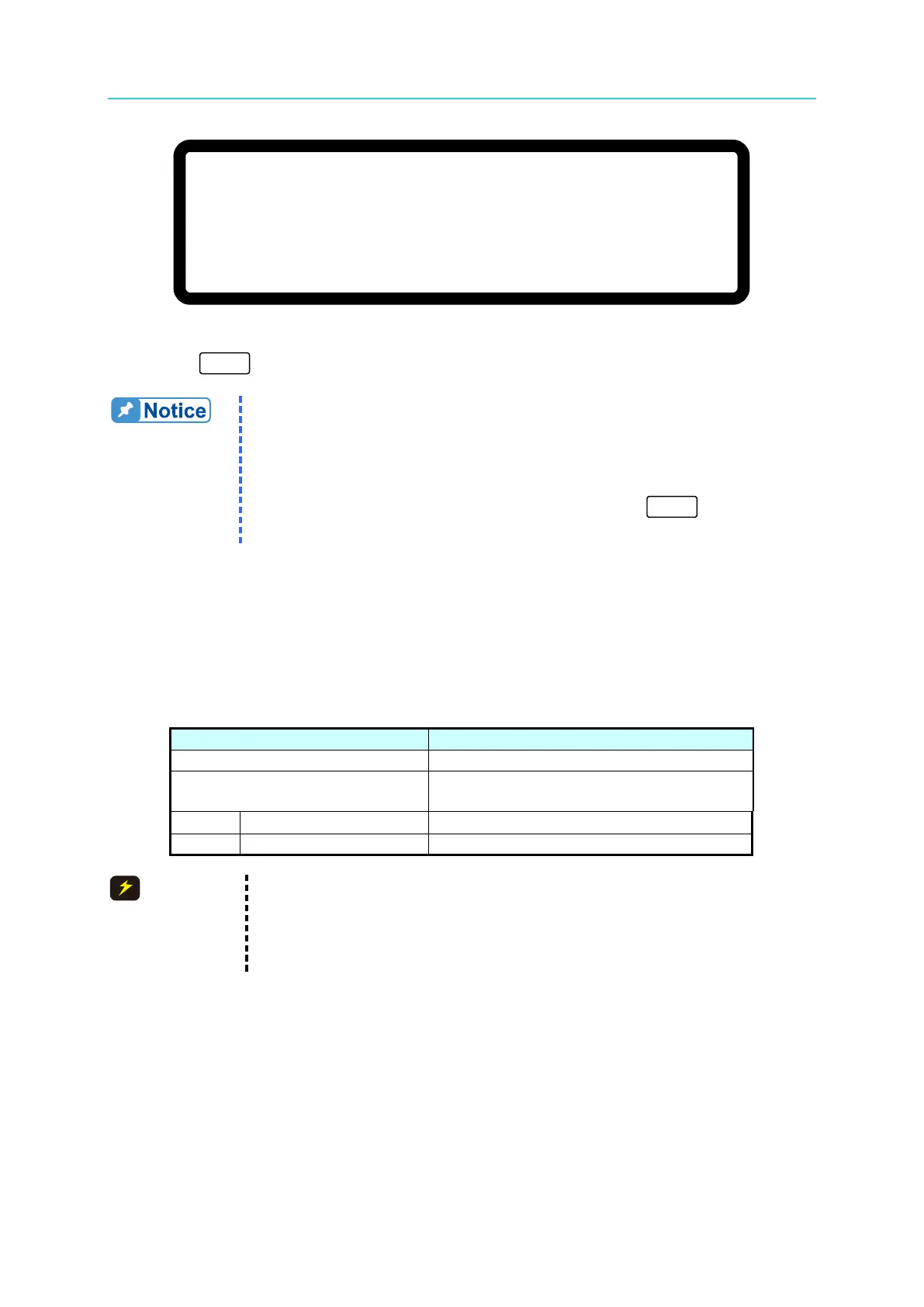
[ S A V E A R G U M E N T ]
S A V E = N O
Figure 3-109
10. Press “
” to return to the MAIN PAGE.
1. The calibration points may be different for other models (non
62150H-600S); perform the calibration following the instructions
displayed.
2. Remove the output load when performing the voltage calibration.
The LCD panel will display the text as shown in Figure 3-107
and
once no load is confirmed on the output, press “ ” to start the
3.3.7.2 Current Measurement Calibration
3.3.7.2.1 Hardware Requirements
Table 3-7 lists the hardware requirements for current measurement calibration.
Table 3-7
Suggest Model or Capacity
HP 34401A or equivalent DVM
Prodigit 7550 or ULTRASTAB SATURN or
equivalent
CHROMA 63204 or equivalent
1. The table above lists the BREAKER capacity for the 62150H-600S
only. For the applicable BREAKER capacity for other models, see the
specifications for OUTPUT CURRENT in
Table 1-1.
2. Use the ULTRASTAB SATURN to do the calibration for the
3.3.7.2.2 SETUP
Figure 3-110 is the diagram for connecting current calibration devices.








 To Next Page