Manual Operation
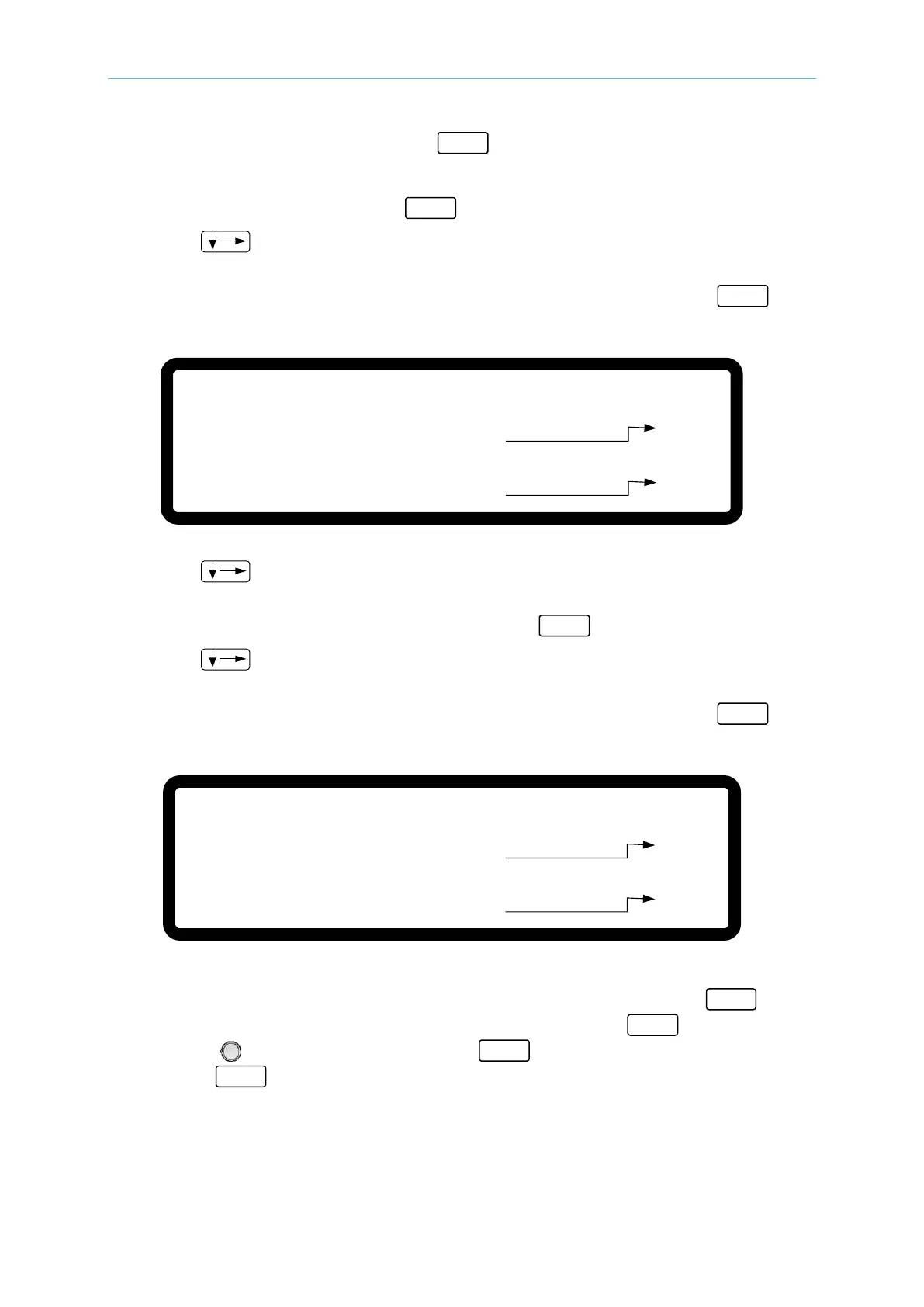
4. In the Voltage calibration page, press “ ” to confirm.
5. The low voltage range calibration is done first. The instrument will set the output voltage
to 8.00V and the cursor stops at position [1] as shown in Figure 3-107. Enter the voltage
measured by the DVM and press “ ” to confirm.
6. Press “
” again to do the low voltage range calibration for the second point. The
instrument will set the output voltage to 115.00V and the cursor stops at position [2] as
shown in Figure 3-107. Enter the voltage measured by the DVM and press “ ” to
confirm.
[ V O L T A G E C A L I B R A T I O N ]
R E M O V E E X T E R N A L L O A D A N D P R E S S [ E N T E R ]
S E T T I N G O U T P U T V O L T A G E 8 . 0 0 V
A C T U A L
O U T P U T V O L T A G E = 7 . 9 9 9 8 _ V
S E T T I N G O U T P U T V O L T A G E 1 1 5 . 0 0 V
A C T U A L
O U T P U T V O L T A G E = 1 1 4 . 9 8 V
[ 1 ]
[ 2 ]
Figure 3-107
7. Press “
” to do the high voltage range calibration. The instrument will set the
output voltage to 150.00V and the cursor stops at position [3] as shown in Figure 3-108.
Enter the voltage measured by the DVM and press “ ” to confirm.
8. Press “
” again to do the high voltage range calibration for the second point. The
instrument will set the output voltage to 525.00V and the cursor stops at position [4] as
shown in Figure 3-108. Enter the voltage measured by the DVM and press “ ” to
confirm.
[ V O L T A G E C A L I B R A T I O N ]
R E M O V E E X T E R N A L L O A D A N D P R E S S [ E N T E R ]
S E T T I N G O U T P U T V O L T A G E 1 5 0 . 0 0 V
A C T U A L
O U T P U T V O L T A G E = 1 4 9 . 9 8 _ V
S E T T I N G O U T P U T V O L T A G E 5 2 5 . 0 0 V
A C T U A L
O U T P U T V O L T A G E = 5 2 4 . 9 8 V
[ 3 ]
[ 4 ]
Figure 3-108
9. The voltage calibration is now done. To save the calibration data, press “ ” to
display the confirmation page as shown in Figure 3-109. Press “ ” or turn the
“Rotary” (
) to set SAVE=YES and press “ ” to save it. If there is no need to save
it, press “
” to return to the Calibration screen.








 To Next Page