Installation
2. Installation
2.1 Checking the Package
(1) After unpacking, check if there is any damage or any missing accessories.
(2) If any damage is found, contact “Chroma RMA” immediately to request a return
shipment.
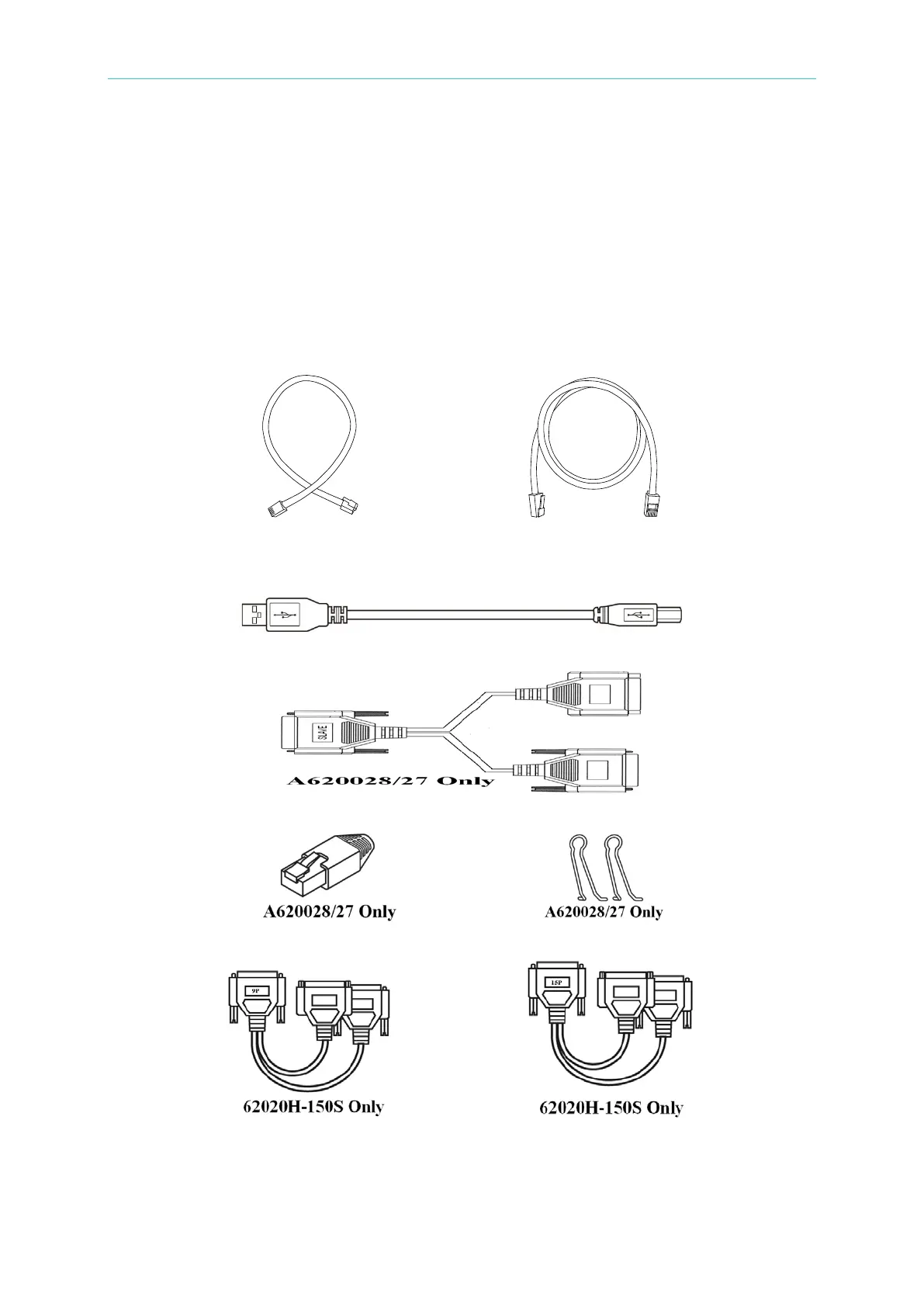
Figure 2-1 (a), (b), (c), (d), (e), (f), (g) and (h) are the accessories.
(except 62020H-150S) (except 62020H-150S)
(a) cable for current sharing (b) cable for system bus
(c) cable for A/B type USB
(d) cable for analog
(e) terminator for system bus (f) hoop
(g) cable for current sharing (h) cable for system bus
Figure 2-1








 To Next Page