ETHERNET Functions (62020H-150S Only)
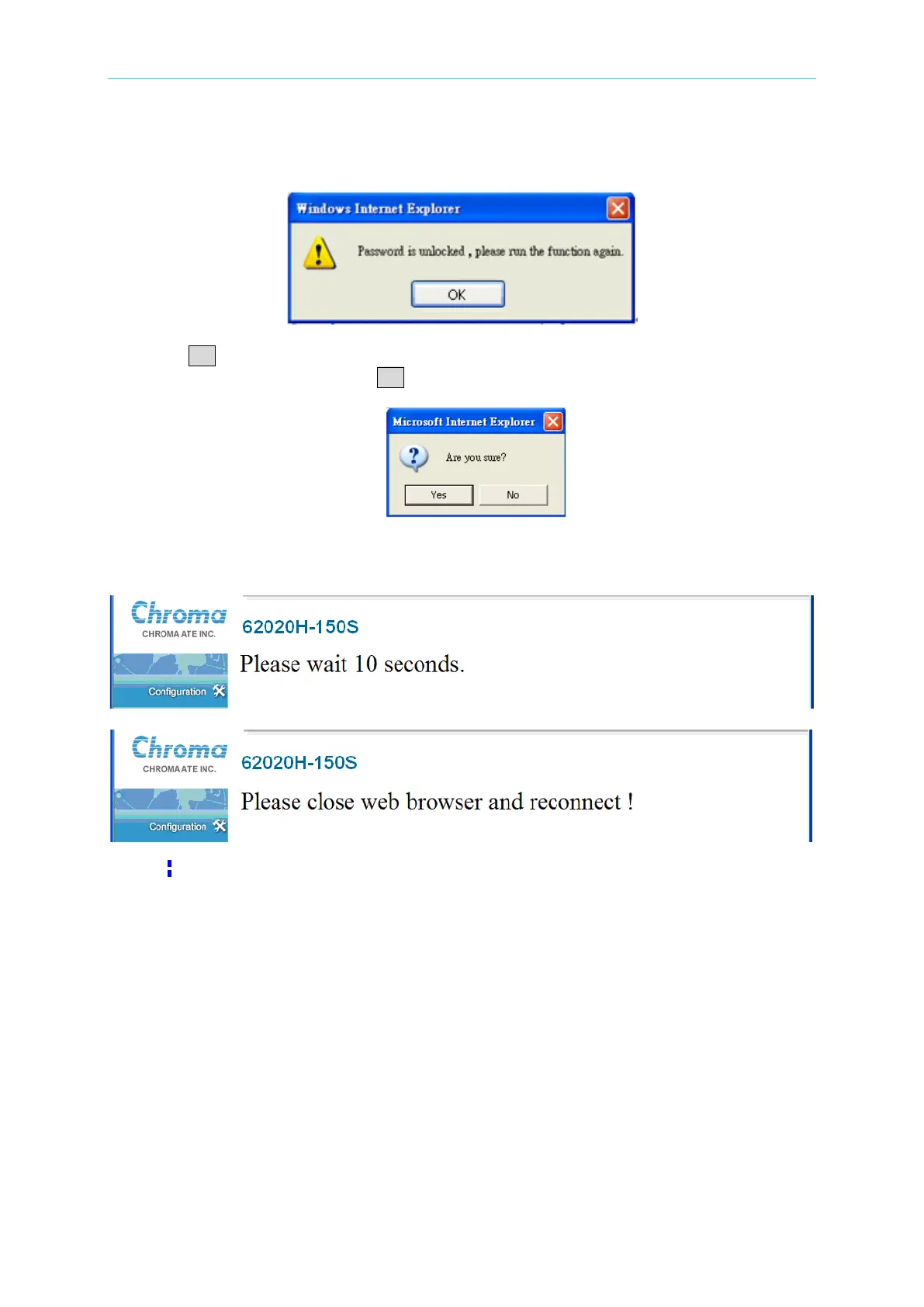
A message window will display after the password is entered correctly.
Click OK and the LAN Configuration Initialize button again. A confirmation window will
appear as shown below. Click OK to start the initialization.
A “Please wait 10 seconds.” message will appear during initialization. After waiting for 10
seconds, close the web browser and restart it.
When the initialization is done, the system password will be set to blank.
(4) Update function (password required): The execution process of this function is similar to
LAN Configuration Initialize. The difference is that the Update will use the Message block
[1] settings to reset the network configuration.
(5) Password change block: It is used to change the password by entering the following:
♦ Password
♦ New Password
♦ Confirm Password
The password can be blank or 0 - 8 characters of the numerals 0 - 9, English uppercase
letters A to Z or lowercase letters a - z. The default system password is blank.
(6) Save button: saves the changed password.








 To Next Page