57
Chapter 3
Configurin
9600 Mobile Computer
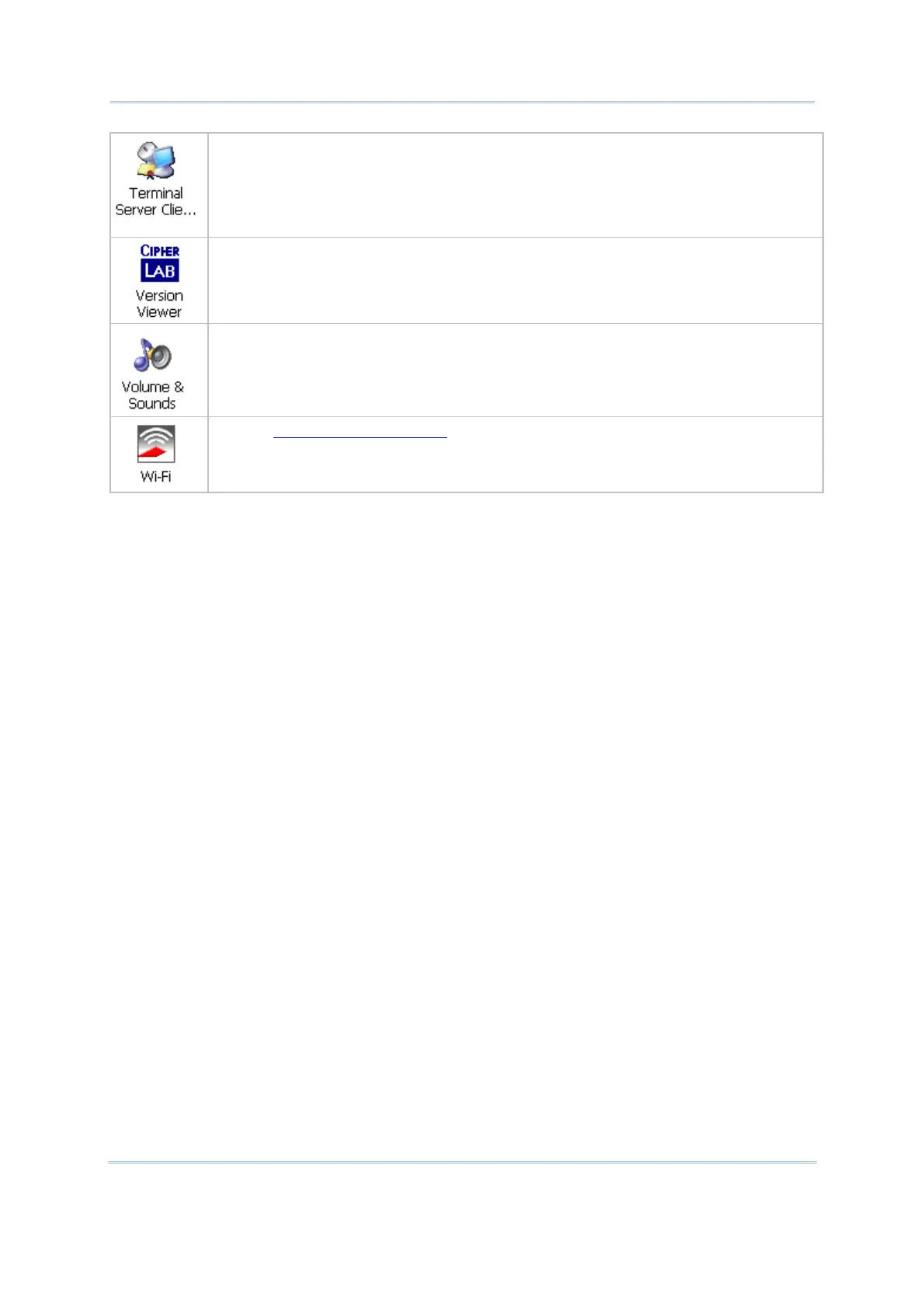
Client access licenses (CALs) issued by the Terminal Server license server allow
clients to connect to the terminal server.
Use Remote Desktop Connection to log onto a Windows Terminal Server or a
computer remotely. You may access all of the programs, files, and network resources
on the remote host or terminal server.
In the [Version Viewer] dialog box, you may view the versions of all CihperLab
built-in drivers, services, and additional items in Control Panel, which are currently
installed on the mobile computer.
In the [Volume & Sounds Properties] dialog box,
Volume tab: You may move the slider and adjust the volume and select to
play
sounds for Events, Applications or Notifications.
Sounds tab: You may configure sounds for different Windows events.
Refer to 4.2 Summit Client Utility.



 To Next Page