66
9600 Mobile Computer
Reference Manual
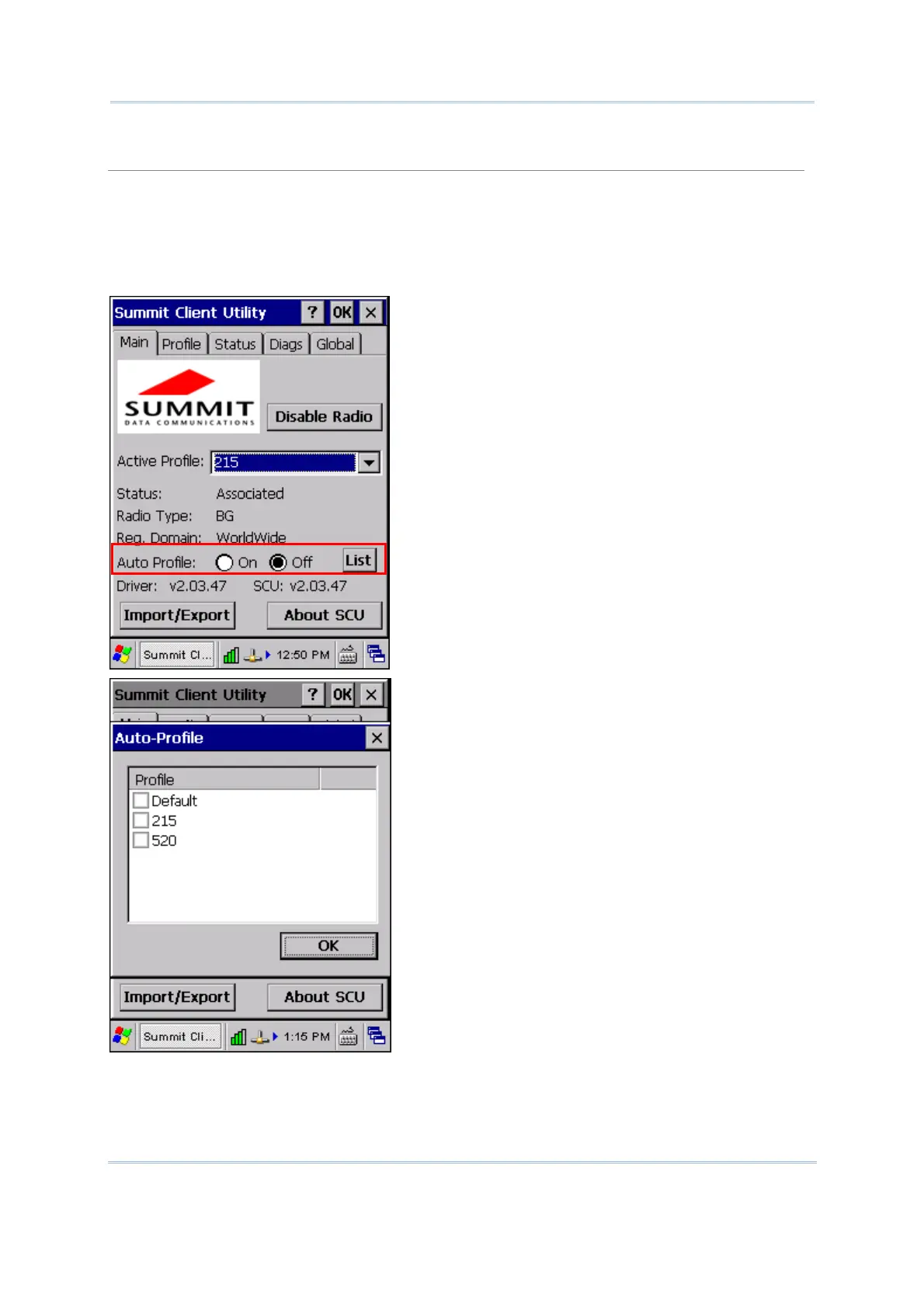
Auto Profile & List
Activate or deactivate an automatic profile selection facility. It makes use of a list of profiles you
created. If such list does not exist, tap [List] to select the profiles in use.
When the facility is active and the radio is not associated to an access point, SCU runs through
the list and tries each profile one by one until the radio associates to an access point using the
values in a profile. The profile becomes the Active Profile and remains so until the radio
disassociates or disconnects from the network.



 To Next Page