V1108, 6.16
To create a die with a U shape, follow the same procedure as described for creating a V-
shaped die. Except program 180 degrees for the V-angle. When entered, the control prompts
for the specific U-height:
U-height . . . . . . . . . . . . . . . . . . . . . . . . . . . . . . . . . . . . . . . . . . . . . . . . .U
The height of the U-opening in case of a U-shaped die.
The other properties of the die are the same as for a V-shaped die.
• Edit die drawing
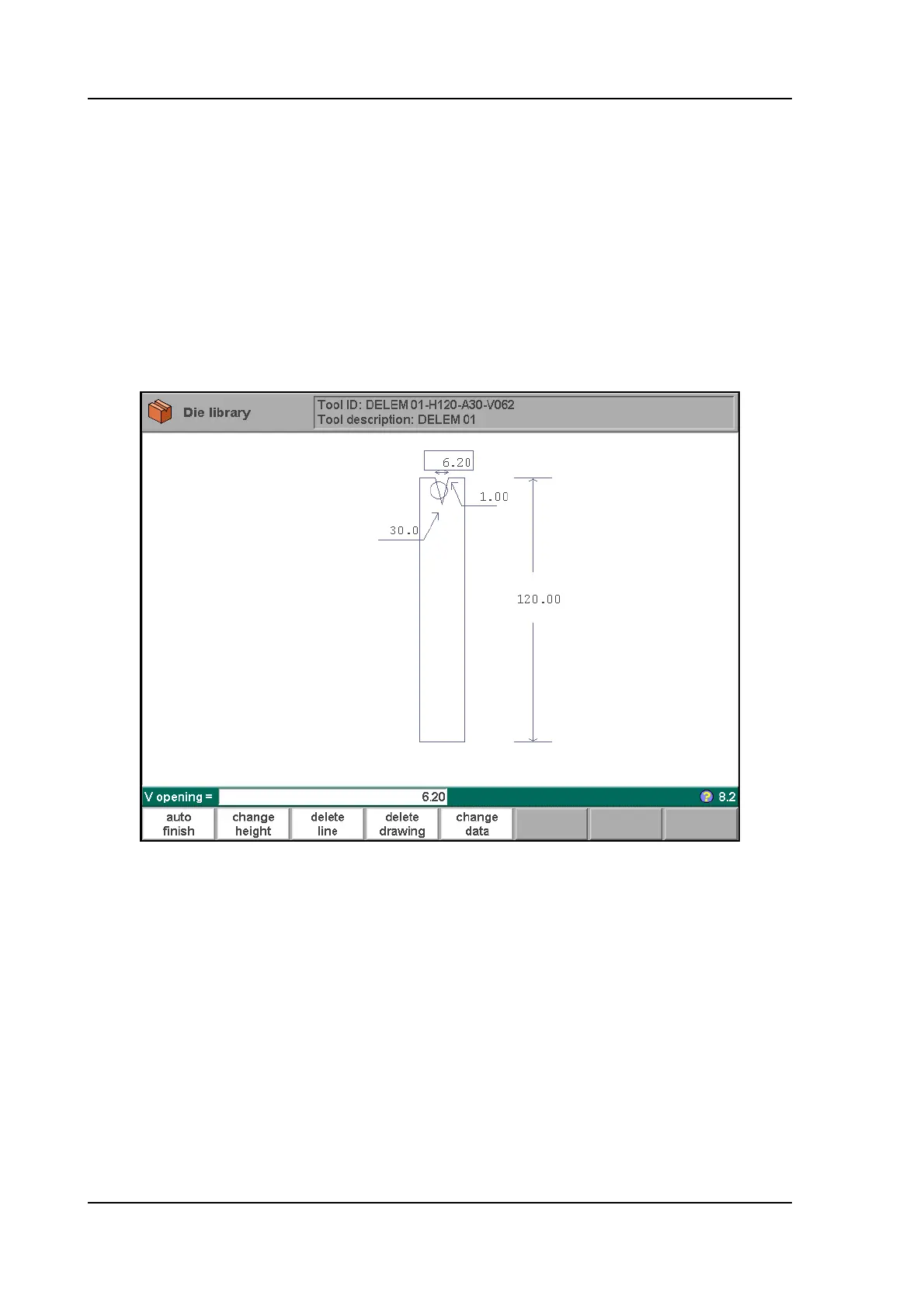
To edit an existing tool, press the key ‘edit’ in the punch library and subsequently the key ‘edit’.
The tool appears on the screen and can be edited with the drawing facilities.
6.w
The length of the flat section on the right hand side of the V-grove will be used in order to
calculate the minimum X-axis position for the R-axis collision detection with die (X-safe).
Function keys:
The function keys are exactly the same as for punch programming.



 To Next Page