V1108, 9.7
• Axis state
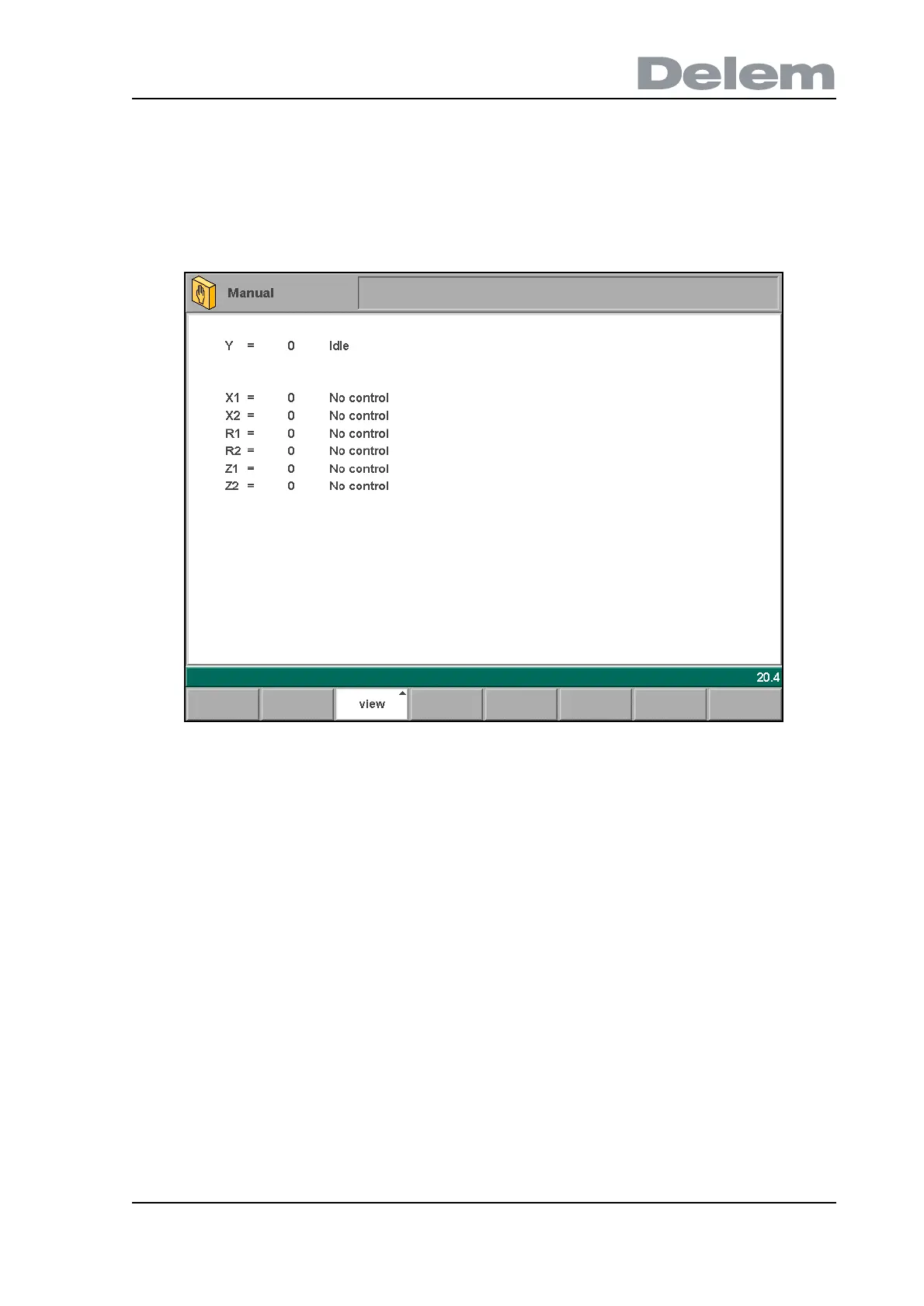
When the function key ‘axis state’ has been pressed, the control switches to a new view with
axes states. In this window, the current state of available axes can be observed.
This screen can also be active while the control is started. As such, it can be used to monitor
the control behaviour during a bend cycle.
9.f



 To Next Page