V1108, 9.1
9. Manual mode
9.1. Introduction
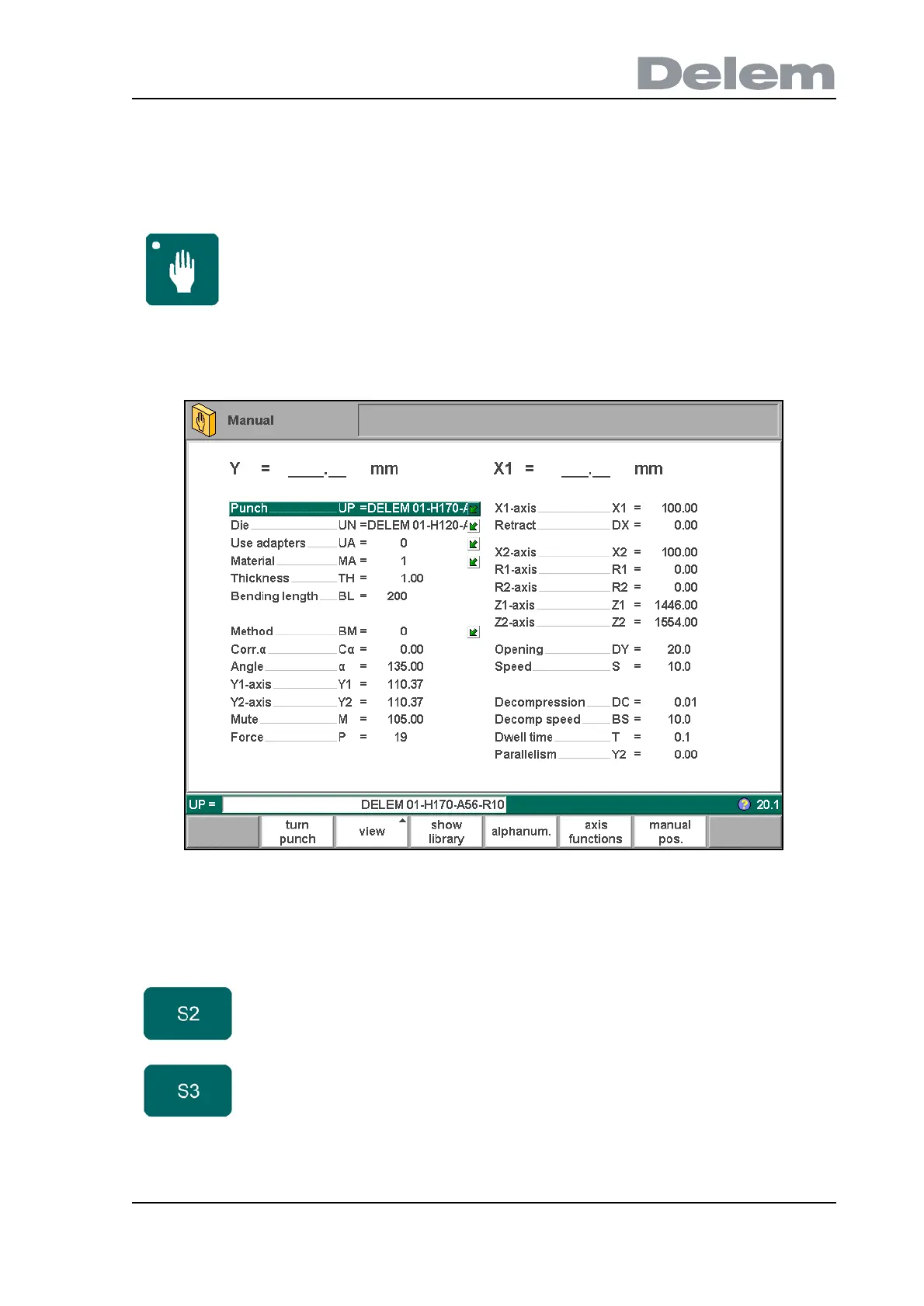
In manual mode you program the parameters for one bending. This mode is useful for testing
and for calibration.
9.a
All the parameters can be programmed independently of the programs in memory.
Manual mode By pushing this key the CNC is in manual mode.
Function keys
turn punch
/
turn die
Turn around the applied tool (back to front). Only
available if the cursor is placed on a tool parameter.
view Button to select one of the possible viewing modes:
- axes
- aux. axes
- zoomed values
- axis state
- IO status



 To Next Page