V1108, 3.16
3.u
It is possible that no bend sequence has been found for various reasons:
• The installed tools are not correct. Return to the tool configuration menu to change the
tool configuration.
• The assignments are incorrect. Return to the assignments menu to modify the
assignments.
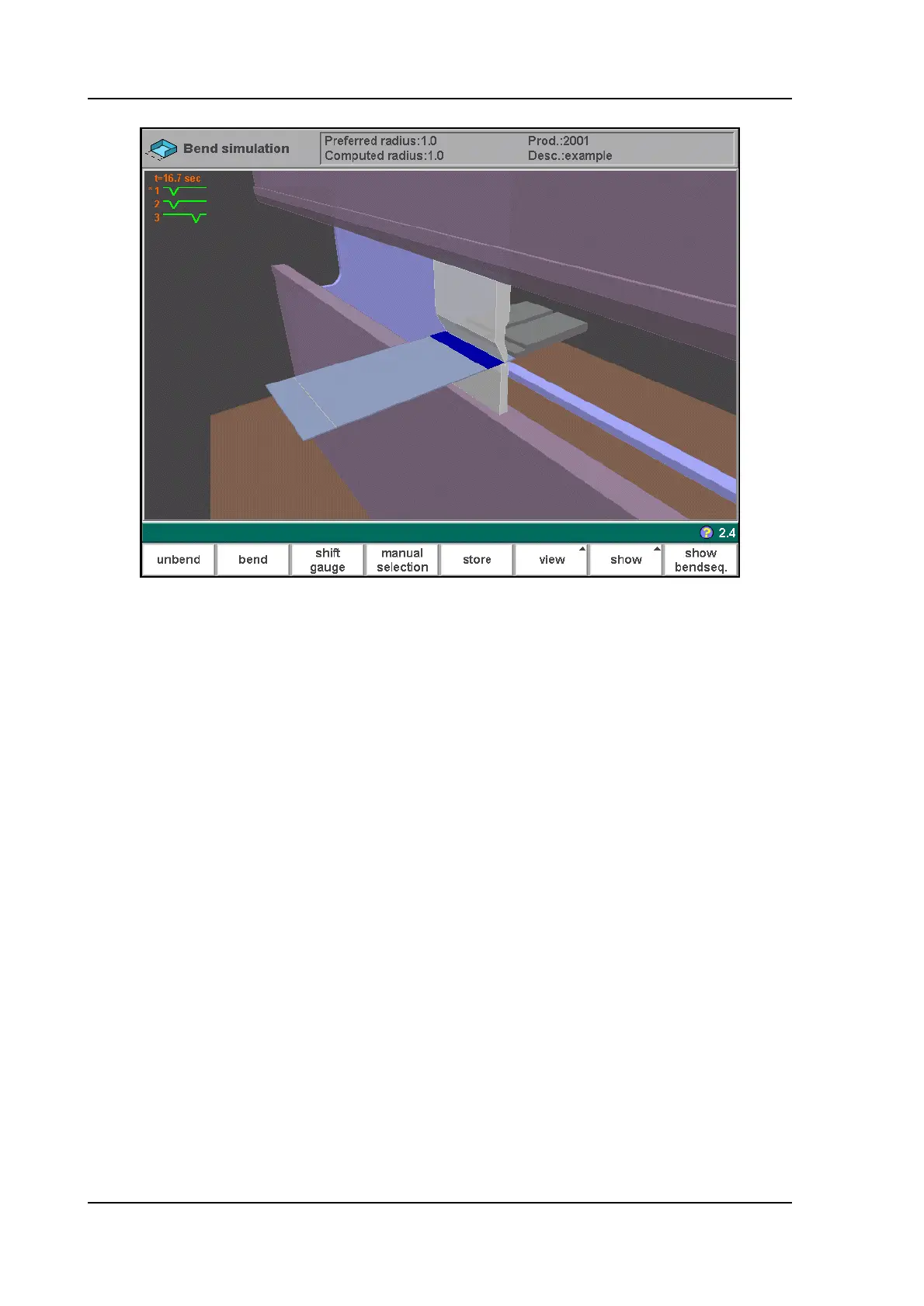
• A collision has been detected during unbending. It is possible to manually adjust the
bend sequence with the function keys. This is explained in the following sections.
When a bend in the bend sequence is adjusted manually with one of the available functions, it
must be confirmed by pressing ‘unbend’. Otherwise, it will not be stored in the sequence.
3.4.3. Manual selection of bends
Normally the control proposes the next (un)bend in a sequence. This is computed by the
control depending on the programmed assignments and of course the product shape and
applied tools.
For various reasons it can be necessary to choose another bend line for the bend sequence.
The bend sequence can be changed/determined through the function ‘manual selection’.
When the function key ‘manual selection’ (S4) has been pressed, a new window is opened.



 To Next Page