V1108, 6.14
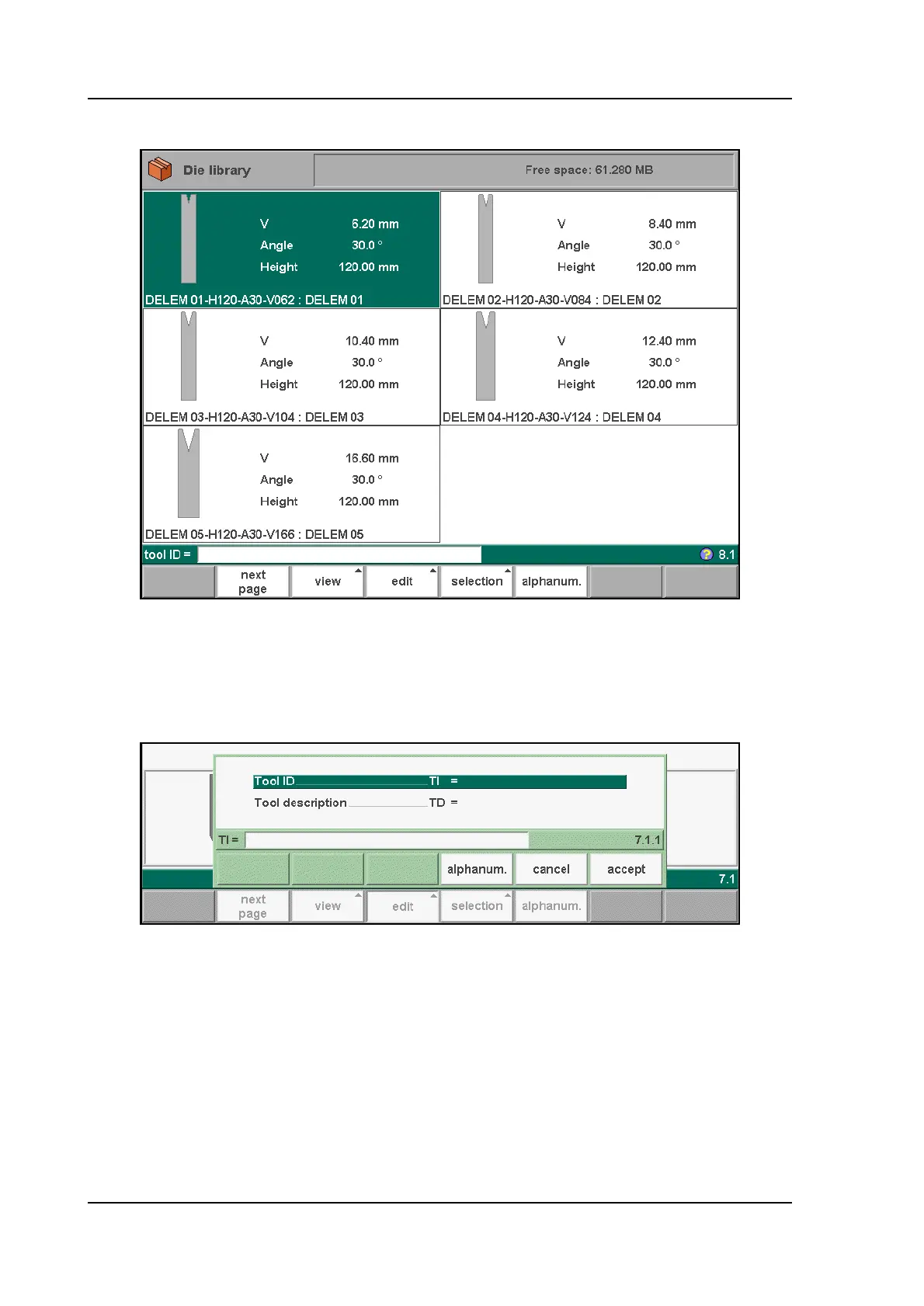
• Graphical directory dies
6.s
• Create a new die
To create a new tool, press the key ‘edit’ in the die library and subsequently the key ‘add’. The
control will start by asking for a tool ID and a description.
6.t
Tool ID . . . . . . . . . . . . . . . . . . . . . . . . . . . . . . . . . . . . . . . . . . . . . . . . . .TI
A unique name or number to identify the tool. The maximum length is 25 characters.
Tool description . . . . . . . . . . . . . . . . . . . . . . . . . . . . . . . . . . . . . . . . . .TD
A name or description of this tool. The maximum length is 25 characters.
These parameters may also contain alphanumeric characters, which can be entered with the
help of the function key ‘alphanum’ (S5).
When finished, press ‘accept’ to leave this window and start with the tool drawing.
The control will start by prompting the initial dimensions of the tool.



 To Next Page