V1108, 4.10
With ‘END’ you leave the window and the new values have been saved. If you press ‘cancel’
you leave the window without changes.
When you have changed ‘Lay-on’ then the axes positions in X- and R-direction have been
changed. The new values depend on the dimensions of the back gauge finger which you have
programmed in the menu ‘program constants’. When you have changed the values of ‘R’ and
‘X’, then these changes are also included.
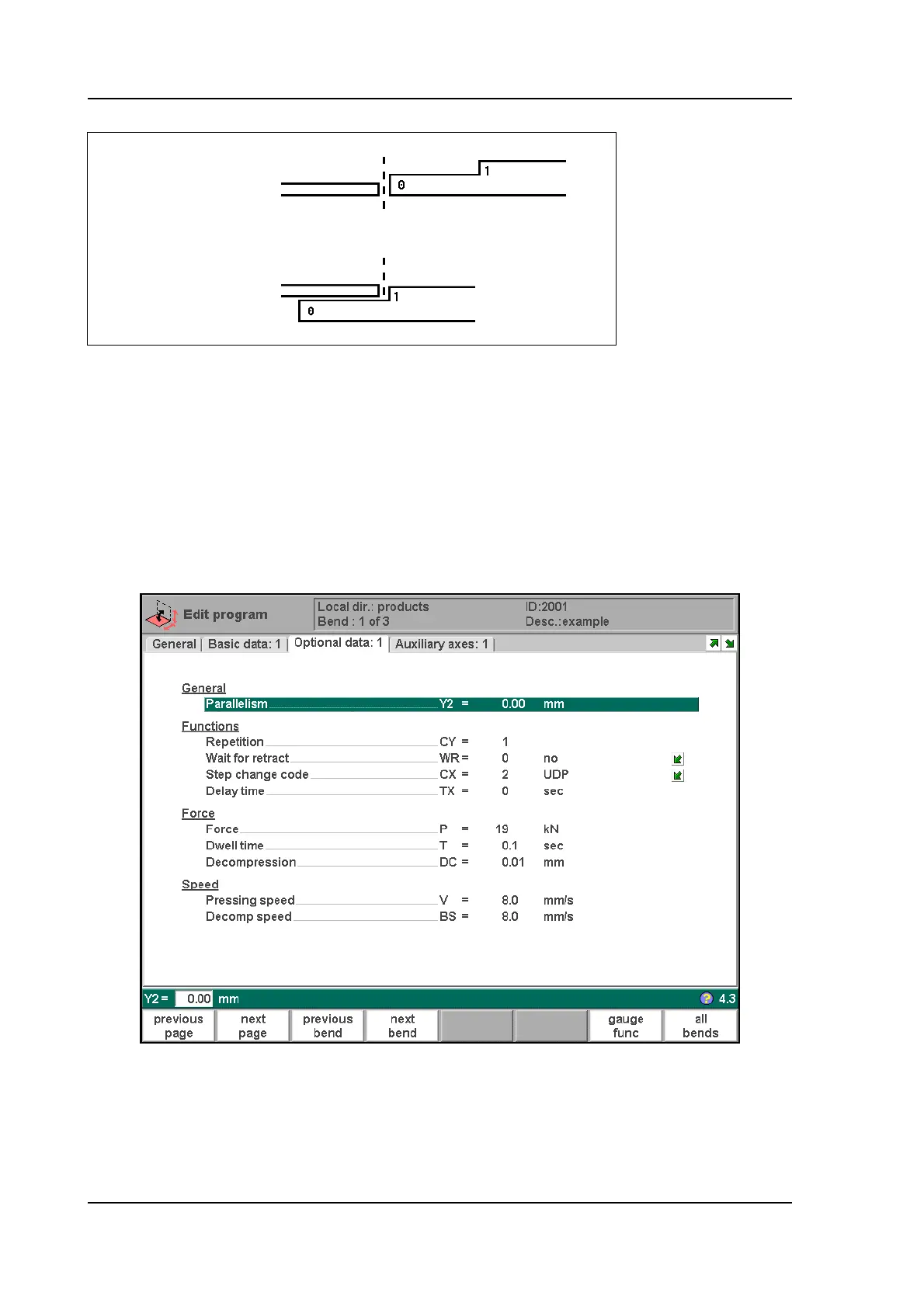
• Bend parameters - optional data
Auxiliary functions of the bending can be programmed on this page.
4.f
Mute . . . . . . . . . . . . . . . . . . . . . . . . . . . . . . . . . . . . . . . . . . . . . . . . . . . .M
Sequence point at which the Y-axis is switched from fast closing speed to pressing
speed. The value programmed here is the distance of the mute point above the sheet.
By default, the mute value from the programmed die is used.
Whether or not this parameter is present depends on machine settings.
Lay-on = 0
Lay-on = 1



 To Next Page