V1108, 2.7
2.3.2. Projection
Inside the window with line properties, the following projection properties can be programmed:
Horizontal projection. . . . . . . . . . . . . . . . . . . . . . . . . . . . . . . . . . . . . ..HP
The horizontal distance a line must measure, regardless of its angle value.
Vertical projection . . . . . . . . . . . . . . . . . . . . . . . . . . . . . . . . . . . . . . . ..VP
The vertical distance a line must measure, regardless of its angle value.
2.g
The projection function is a useful aid for drawing diagonal lines between points without
having to compute the precise side length. When a line is selected, simply enter a horizontal
or vertical projection distance and press ENTER. The required line length is computed and
applied to the selected segment.
Projections can also be applied during programming. After programming an angle for a new
side, program the projection distance (horizontal or vertical) and press one of the arrow keys
for the required direction.
It will be noted on the screen if projection is not possible.
Horizontal projection: or
Vertical projection: or
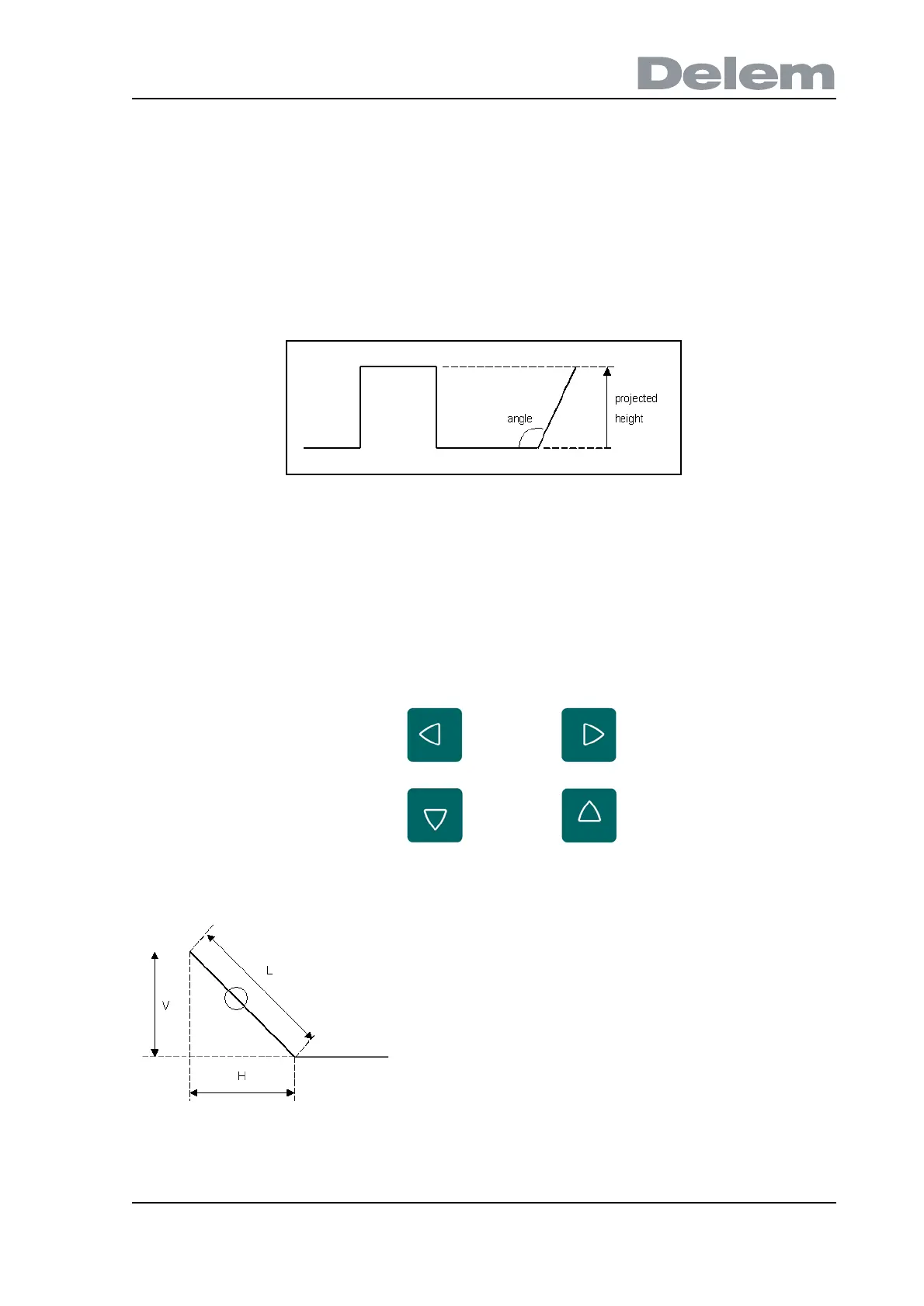
L is normal entered line length
V is vertical projected line length
H is horizontal projected line length



 To Next Page