V1108, 3.21
3.4.6. Show bend sequence
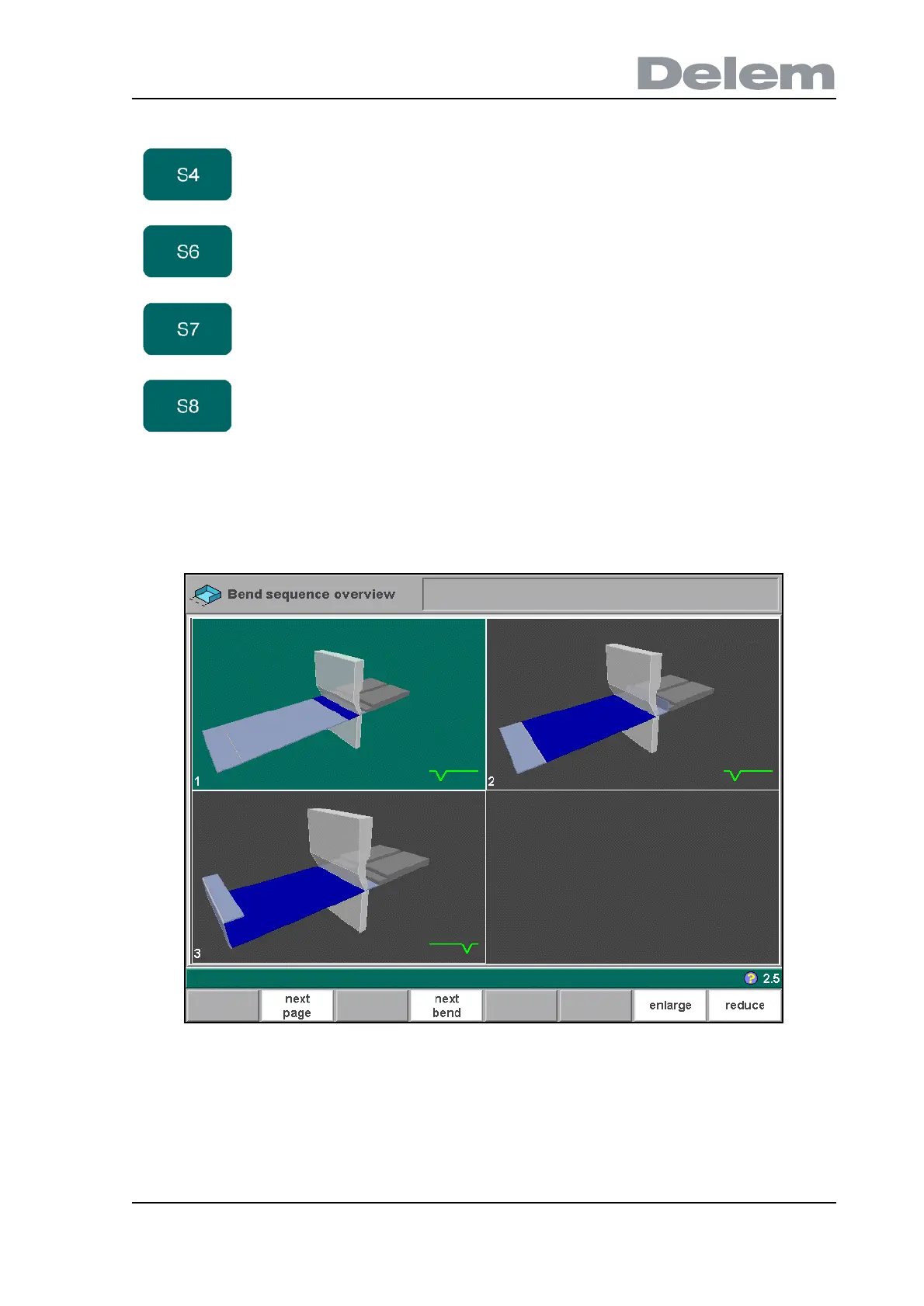
Before the product is completely unbent you can enter the ‘show bendsequence’ menu.
3.y
This menu option can be called at any time after the first unbend has been made. The
graphical overview displays the determined bends as well as the not yet determined bends
(question mark sign).
The total overview can be enlarged or reduced with the function keys ‘enlarge’ and ‘reduce’.
As a result, more or less bends will be shown on one page.
shift right Shift the selected finger to the right. The step size is
displayed at the command line prompt and can be
changed.
lay on
finger
Toggle between lay product on selected finger or not.
This option is only selectable in case you have R-axes in
your machine.
no change Leave the current screen without saving changes. This
can also be done by pressing END.
accept Save the changes and leave the current screen.
Function keys:



 To Next Page