V1108, 3.20
3.x
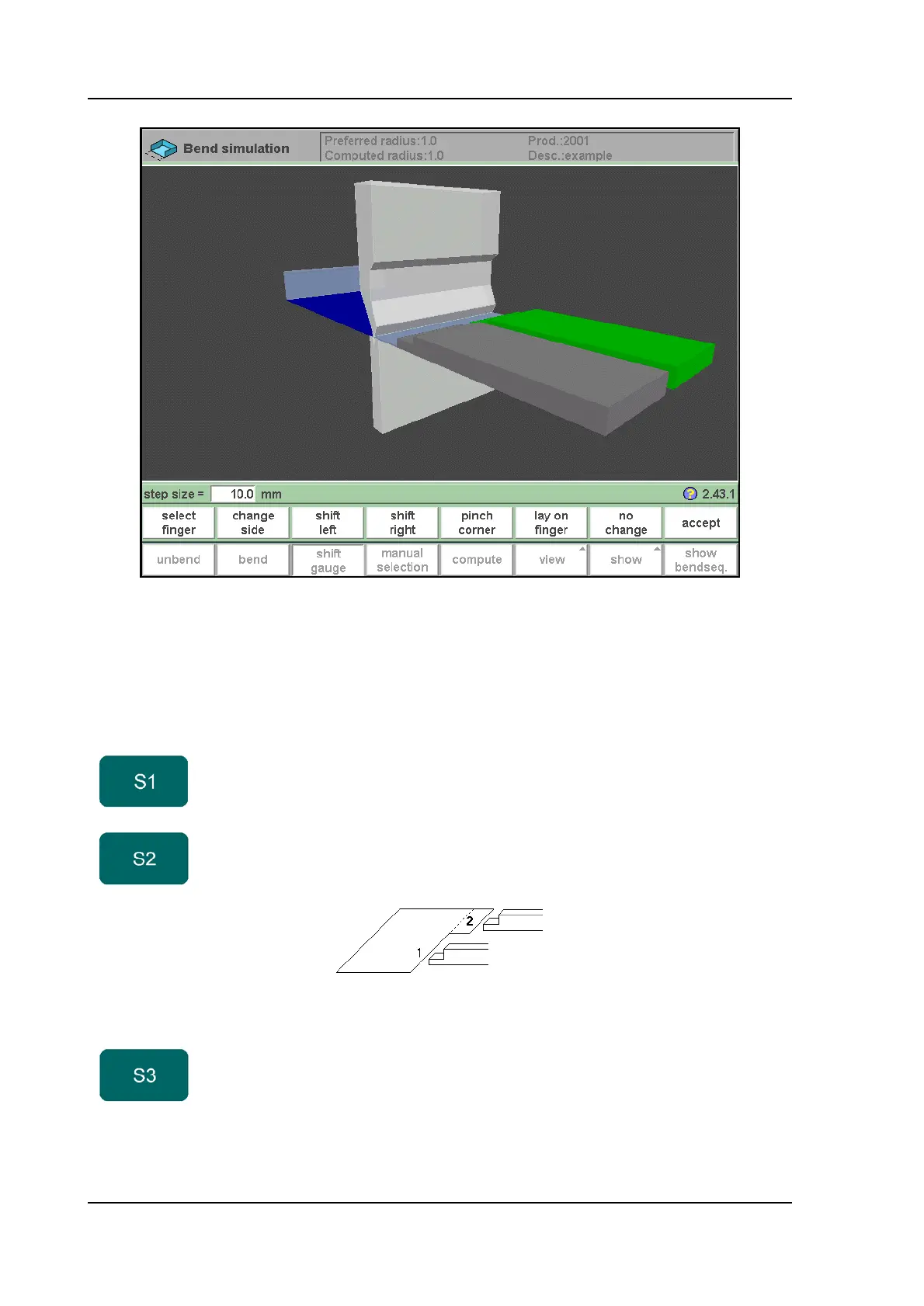
The fingers can be moved by means of the function keys S2 through S4. The step size of the
finger can be changed by entering the desired value. The higher the value of the step size, the
bigger is the displacement.
Function keys:
select
finger
Select the finger to move.
change
side
Change side. Move the selected finger to another side of
the product behind the machine. In the example there
are two possible finger positions to choose.
This way is only possible and will only be accepted if the
required axes are enabled in the control (like X1 and X2)
shift left Shift the selected finger to the left. The step size is
displayed at the command line prompt and can be
changed.



 To Next Page