V1108, 9.2
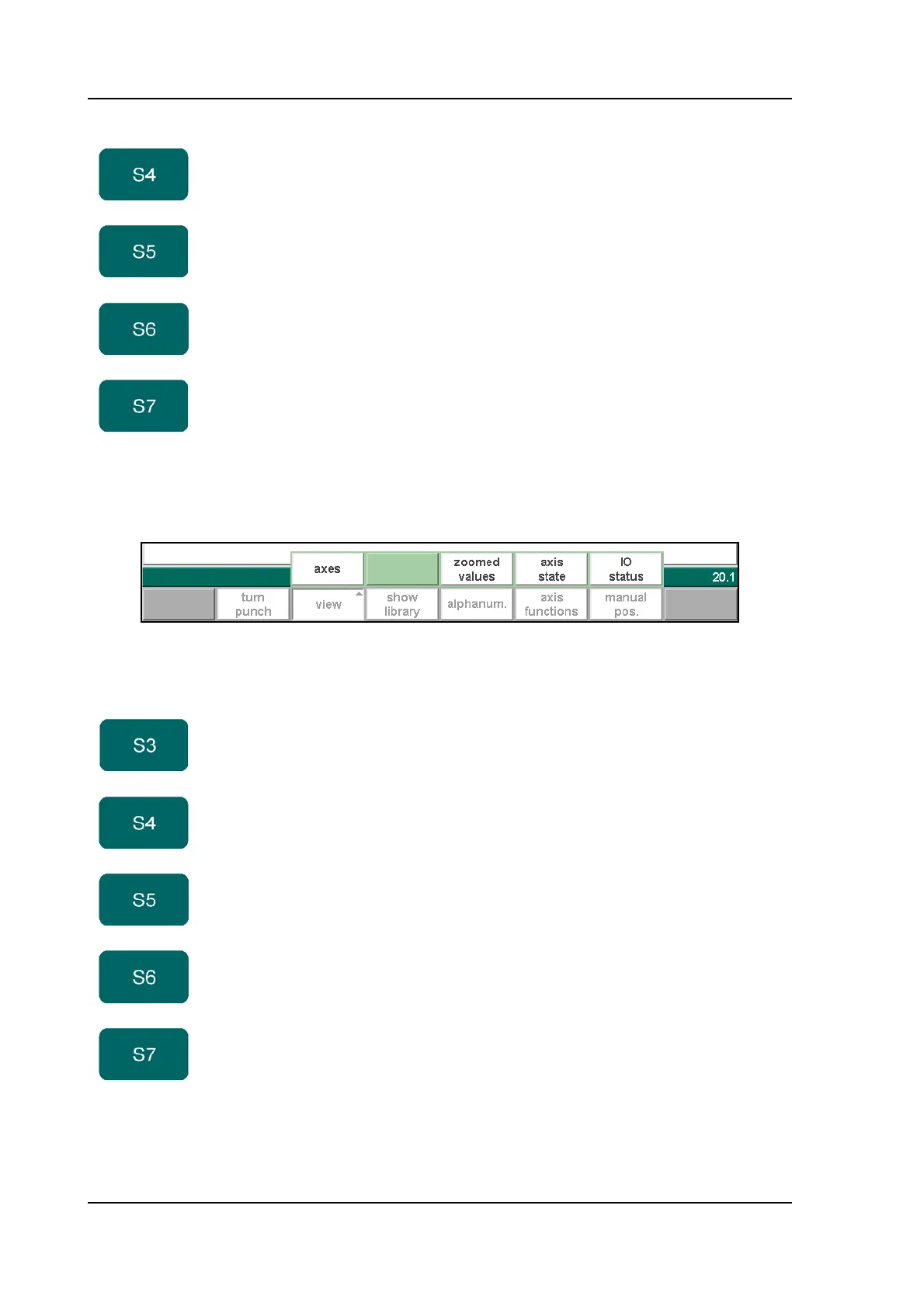
When the function key ‘View’ has been pressed a new, temporary button bar appears with
additional function keys:
9.b
• Parameter Explanation
show
library
Open a window with an overview of the tool library. From
there, a tool can be selected.
alphanum. Select an alphanumeric character after typing. The
possible characters are displayed on the frontpanel key.
Only possible at relevant parameters.
axis
functions
To change speed and retract distance of available axes
in the current bend.
manual
pos
Start the function to move axes manually with the
handwheel. See section 9.2.
Function keys:
axes Switch to default parameter view.
aux. axes Switch to second view with parameters of auxiliary axes.
zoomed
values
Switch to view with axes values.
axis state Switch to view with state of the available axes. Available
for service purposes.
IO status Switch to view with status of system I/O. Available for
service purposes.
Function keys



 To Next Page