V1108, 8.1
8. Program Constants
8.1. Introduction
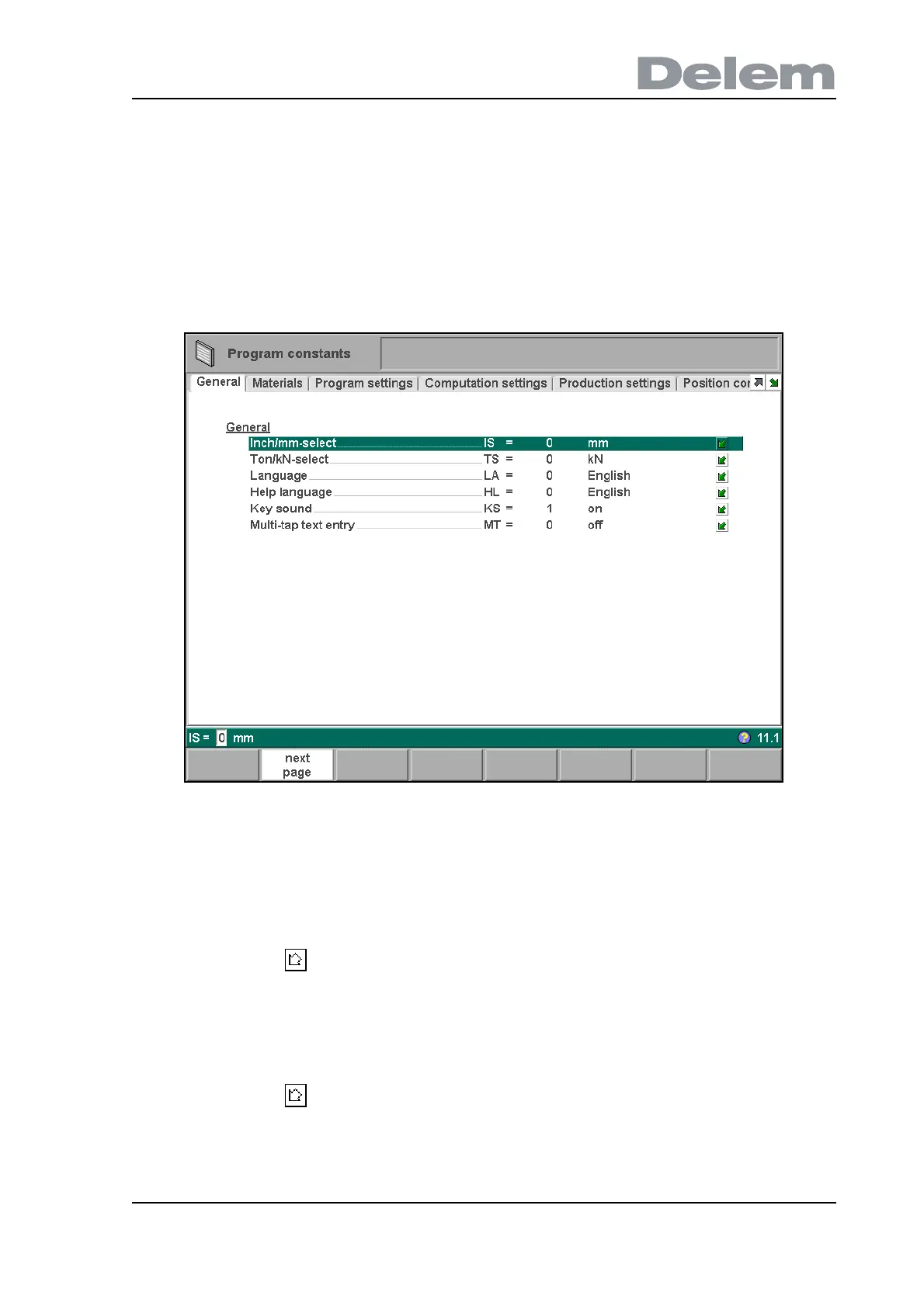
Choose ‘Program constants’ in the main menu to program the programming constants. The
program constants are divided across several pages. They are discussed in the following
sections.
8.2. General
8.a
Use the keys 'next page' (S2) and 'previous page' (S1) to browse through the various pages
with parameters. Use the arrow keys up/down to select individual parameters.
Inch/mm-select . . . . . . . . . . . . . . . . . . . . . . . . . . . . . . . . . . . . . . . . . ..IS
1 = dimensions in inches
0 = dimensions in millimetres
Press the key to select the required setting.
Ton/kN select . . . . . . . . . . . . . . . . . . . . . . . . . . . . . . . . . . . . . . . . . . . ..TS
1 = Ton
0 = kN
It is possible to select the units for all Force data to be expressed in Tons or kN.
Press the key to select the required setting.



 To Next Page