V1108, 2.5
2.e
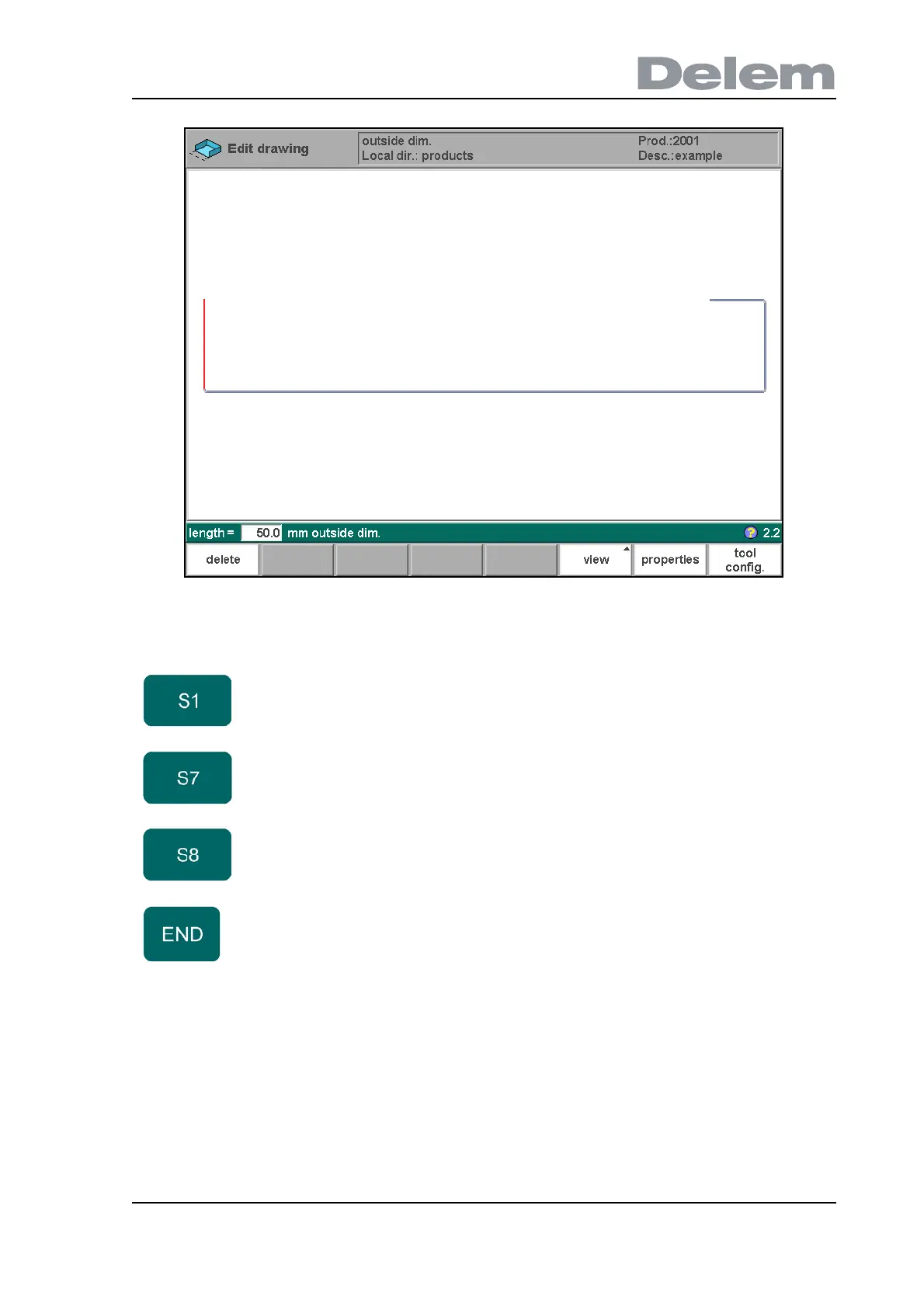
• Drawing cursor control for 2D-products
In case you are drawing the profile of your product or tools the cursor keys can be used to give
directly multiples 45 degree angles. e.g.:
Function keys:
delete Delete the currently selected line. Only available if the
cursor is on the first or last line of a profile.
properties Open a window with properties of the currently selected
bend.
tool
config.
Program the tool configuration and start the simulation.
See chapter 3.
Exit the drawing and return to the product properties.



 To Next Page